

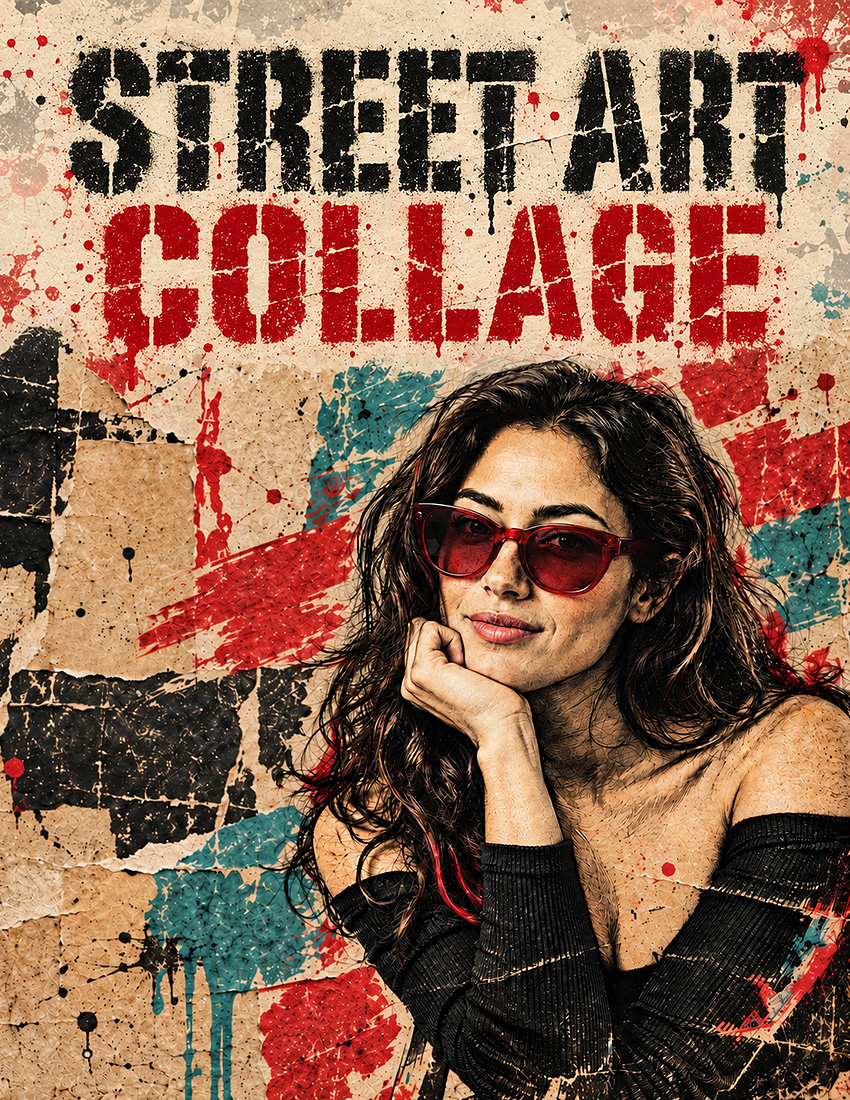
Street Art Collage
by Dave Seeram
Street Art Collage turns your photo into an expressive street poster collage built from richly worked ink, layered paper, rough paint marks, and worn print textures. Choose from four print treatments, eight colour palettes, five backdrops, four paint applications, four colour coverage levels, and four levels of surface wear to control the whole look.
Your subject’s likeness, pose, and placement stay true to your original photo while everything is recreated in ink and paint. Create bold artwork for personal prints, gifts, cards, and social posts.
- Four Print Treatments: Engraved Ink, Screen Print, Stencil Print, and Mixed Ink.
- Eight Colour Palettes: Six colour pairings, plus monochrome and colours drawn from your own photo.
- Full Creative Control: Choose the backdrop, surface wear, paint application, and how much of the artwork takes on colour.
- Five Finishing Touches: Add ink drips, paint splatter, stencil shapes, torn edges, or your own custom lettering.
Recommended for use with ChatGPT, Gemini, and Microsoft Copilot on their free tiers. Also compatible with other AI image platforms.
Frequently Bought Together
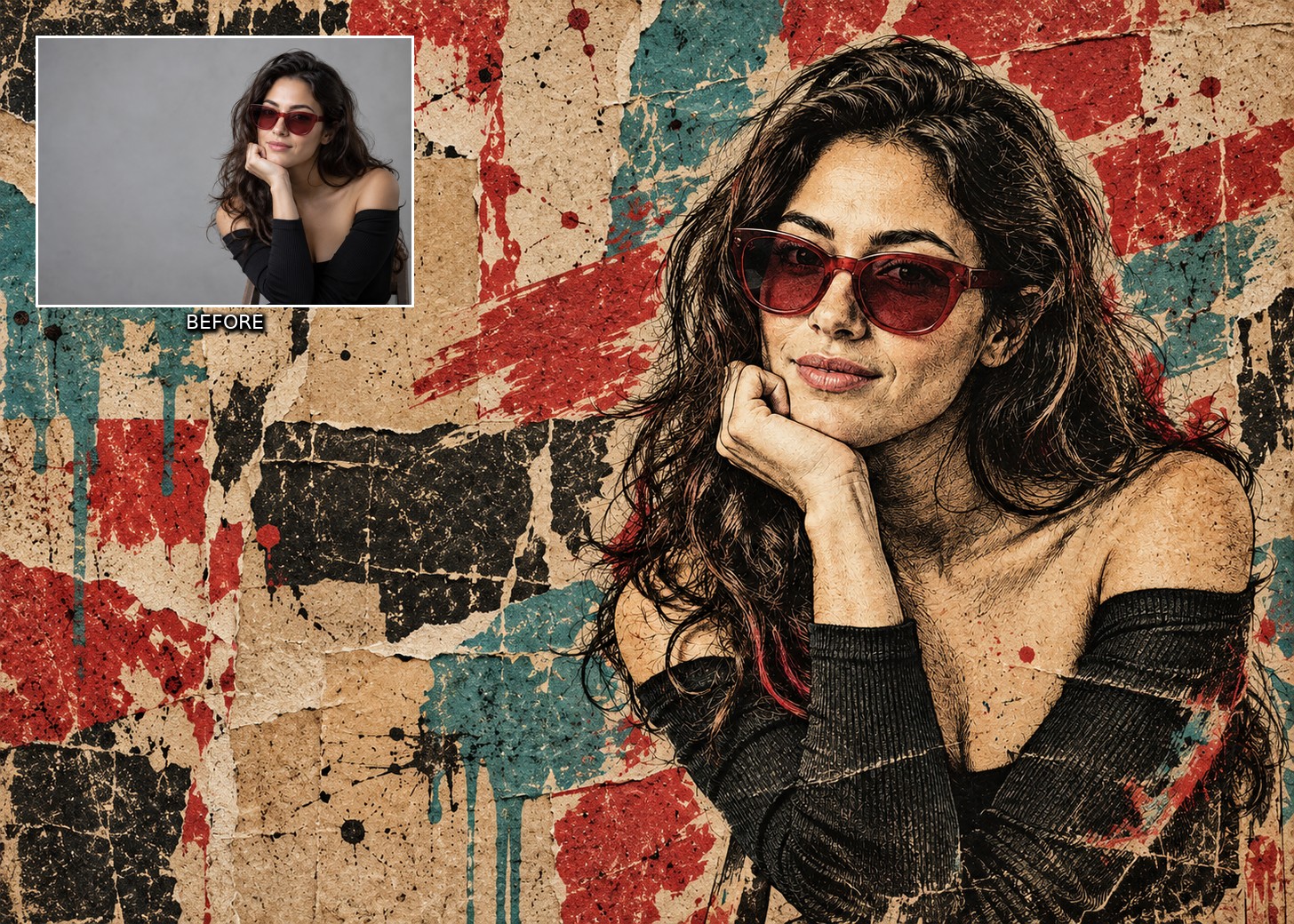
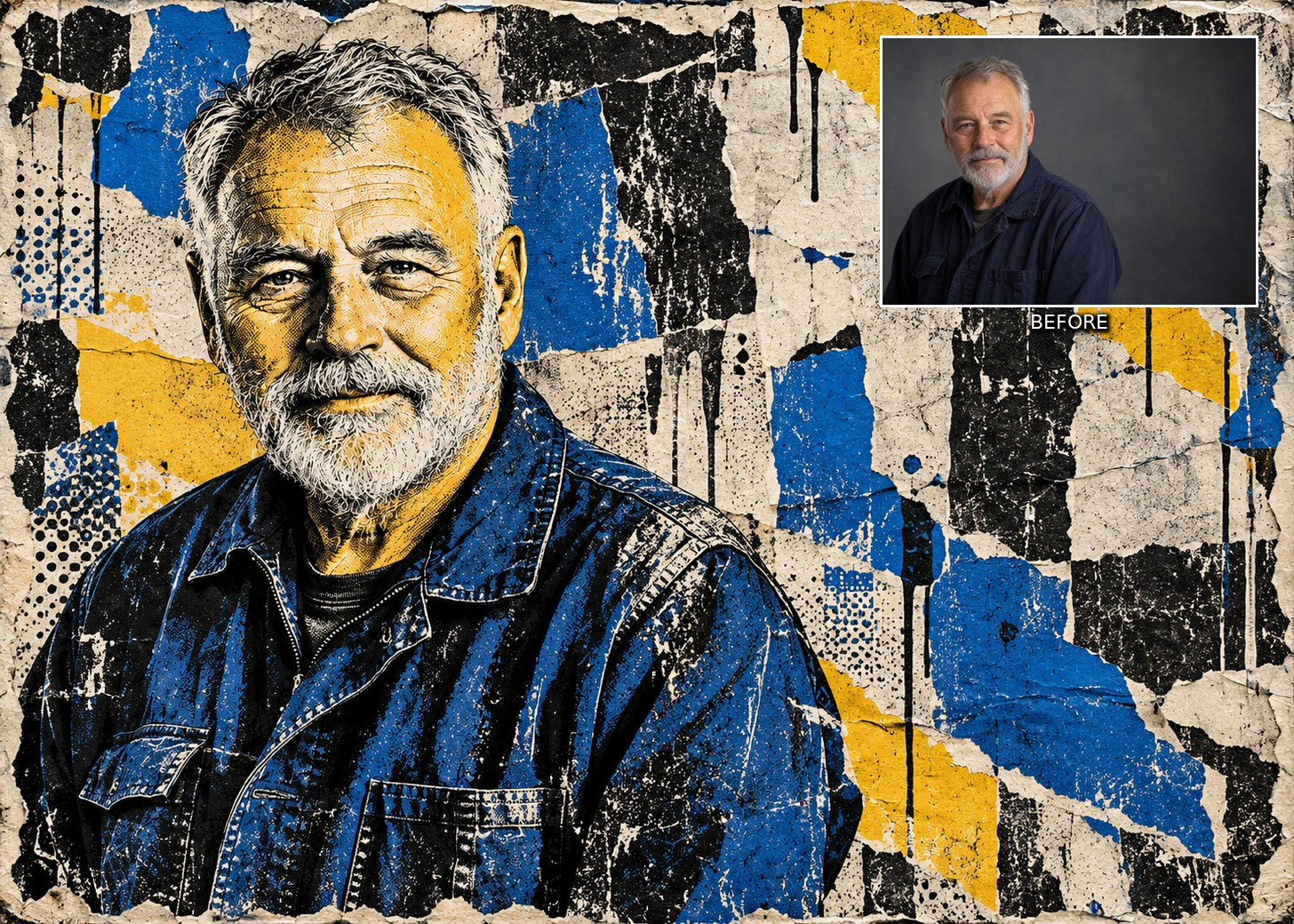
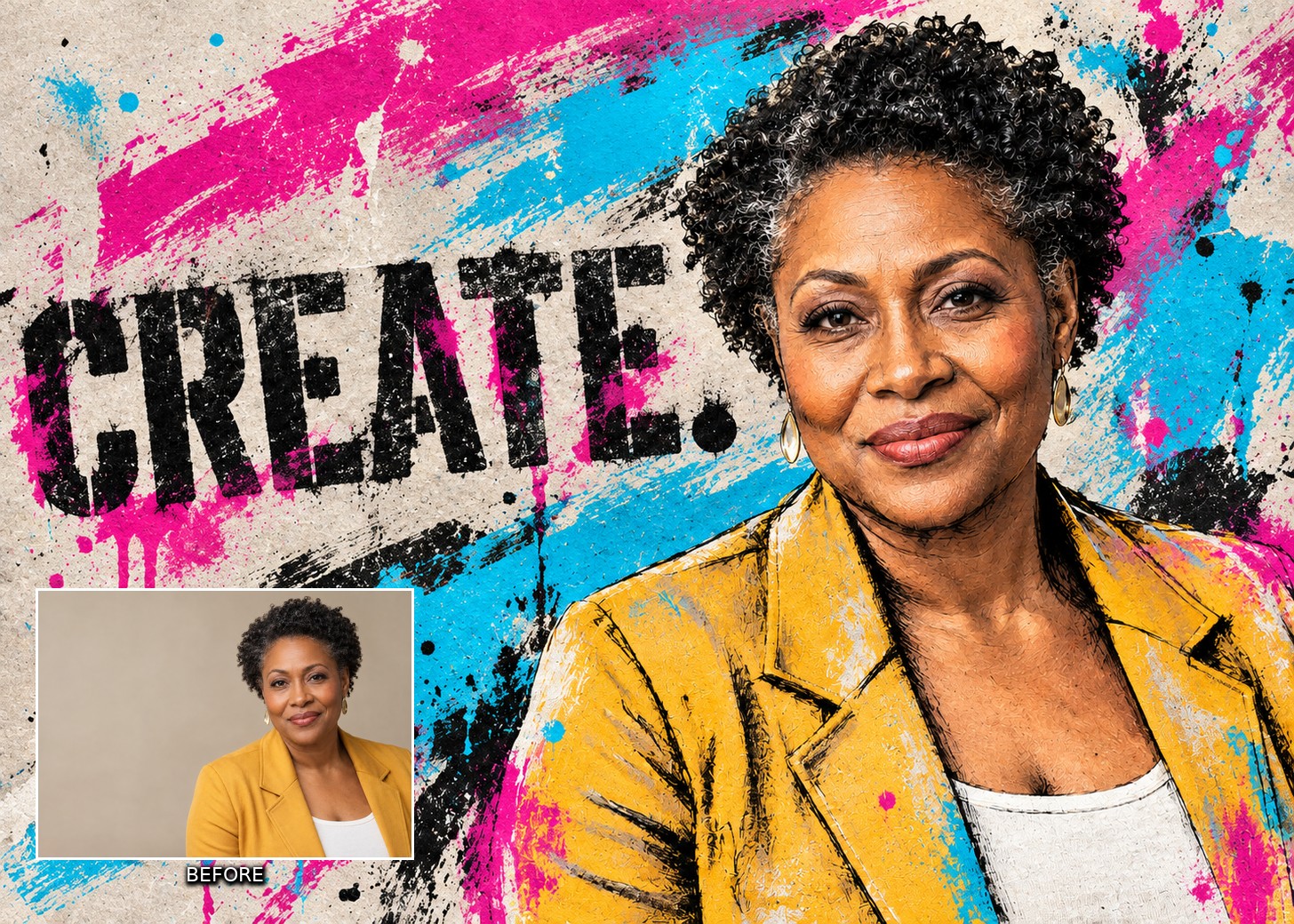
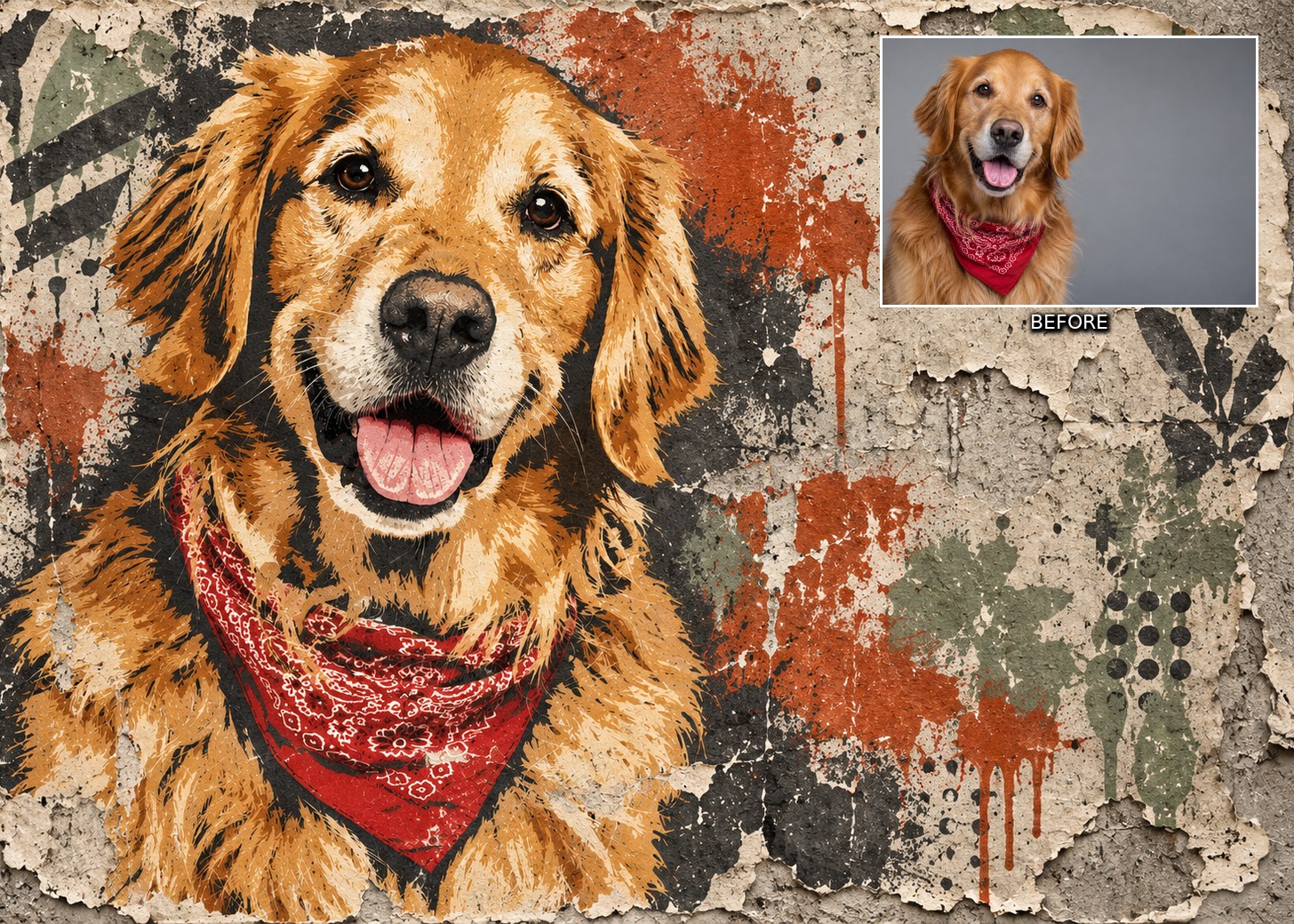
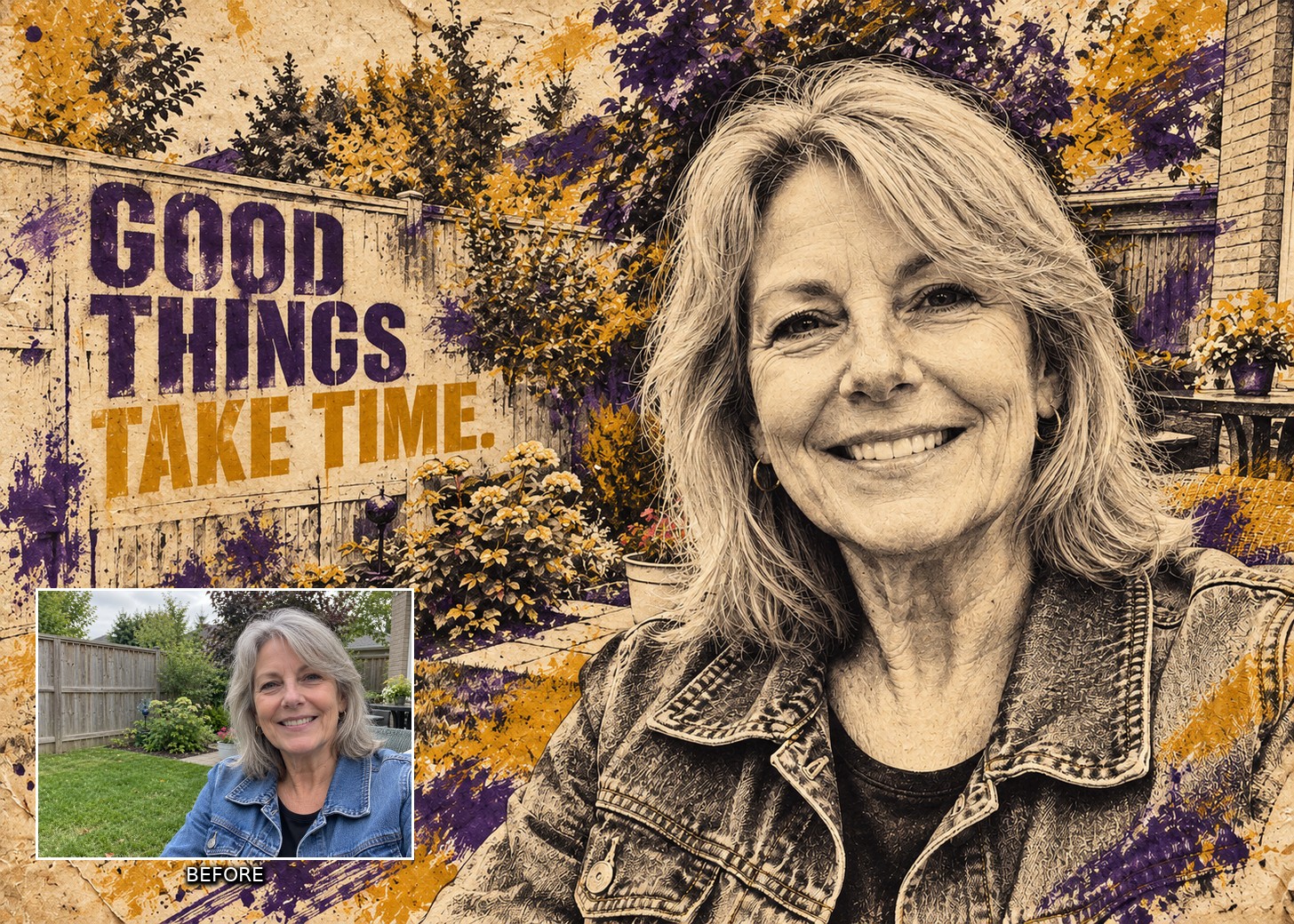
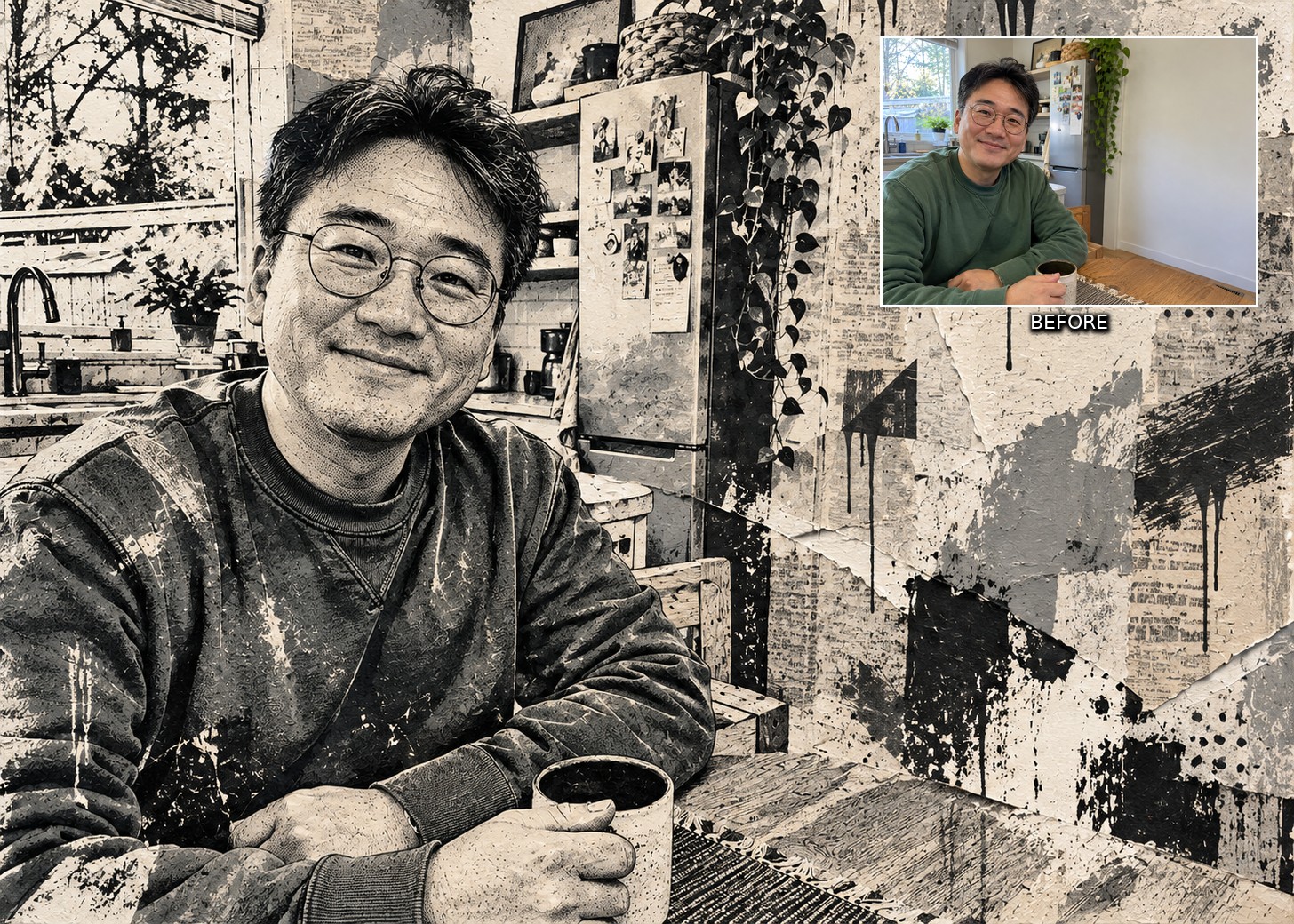
Street Art Collage transforms your photographs into expressive artwork with richly worked ink, layered paper, rough paint marks, and worn print textures. Recognisable faces and familiar details become part of a striking collage with the character of a weathered street poster.
Make the artwork your own with six dropdowns and five optional finishing touches. Choose the print treatment, surface wear, backdrop, colour palette, paint application, and colour coverage. Add ink drips, paint splatter, abstract stencil shapes, or torn edges, then include your own short phrase with the optional custom lettering control. Each choice updates your prompt for you.
Explore expressive portraits, characterful pet artwork, and creative interpretations of your everyday snapshots. Create artwork for personal prints, gifts, cards, and social posts, with choices that range from restrained ink and paper to bold, colour-rich compositions.
Features of the Street Art Collage AI Artistry Prompt
- Works On Any Device, No Photoshop Needed: Use this prompt on your phone, tablet, or computer. Nothing to install, no software to update, no complex workflow to learn.
- Four Print Treatments: Choose Engraved Ink, Screen Print, Stencil Print, or Mixed Ink to change how your subject is drawn.
- Surface and Setting: Explore four levels of print wear and five backdrops, including a reinterpretation of your original scene.
- Colour Your Way: Choose from eight palettes, four paint applications, and four colour coverage choices, including monochrome and colours drawn from your photo.
- Five Optional Touches: Add ink drips, paint splatter, stencil shapes, torn edges, and your own lettering, individually or together.
- Your Words in the Artwork: Switch on Add Custom Lettering to reveal a field for a short phrase. Short entries work best. Check the generated lettering for spelling.
- A Recognisable Subject: The prompt asks to preserve your subject's likeness, pose, and placement while recreating the image in ink and paint.
- Interactive Controls: Copy your completed prompt with one tap and adjust it from your My AI Prompts page.
Street Art Collage is more than just a prompt. It is a creative tool for turning familiar photographs into expressive ink and paint collage artwork.
Recommended for use with ChatGPT, Gemini, and Microsoft Copilot on their free tiers. Also compatible with other AI image platforms.
Related products


33%
