30%
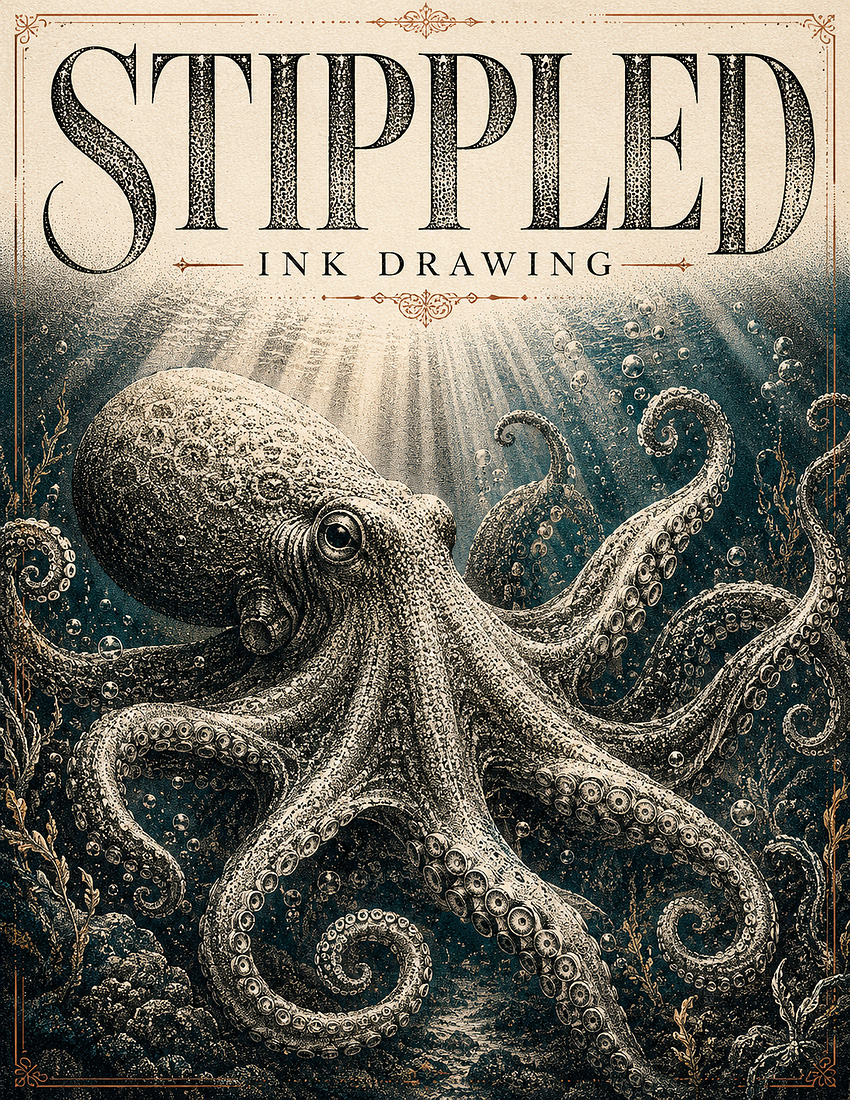
Stippled Ink
by Dave Seeram
Stippled Ink Drawing turns your photo into a patient hand drawn ink illustration built from thousands of tiny dots, where every tone comes from dot density alone and nothing is shaded with lines. Choose from six stipple styles, four detail levels, five tonal depths, six colour treatments, and five backgrounds to control the whole look.
The composition and subject placement stay true to your original photo while the surface becomes true hand drawn dot work. Create timeless artwork for framed prints, book plates, greeting cards, and gallery walls.
- Six Stipple Styles: Classic Fine, Bold Coarse Dots, Loose Sketchy, Precise Scientific, Soft Dusted, and an optional Hatched Darks style.
- Six Colour Treatments: Pure black ink, warm sepia, deep ink blue, coloured ink dots, plus a shaded pencil crayon overlay across the whole piece or on the subject alone.
- Full Creative Control: Choose the detail level, tonal depth, and background to suit any subject or mood.
- Six Finishing Touches: Add aged paper, a deckled border, a thin outer contour, ink splatter, handwritten notation, or a soft shadow.
Recommended for use with ChatGPT, Gemini, and Microsoft Copilot on their free tiers. Also compatible with other AI image platforms.
Frequently Bought Together
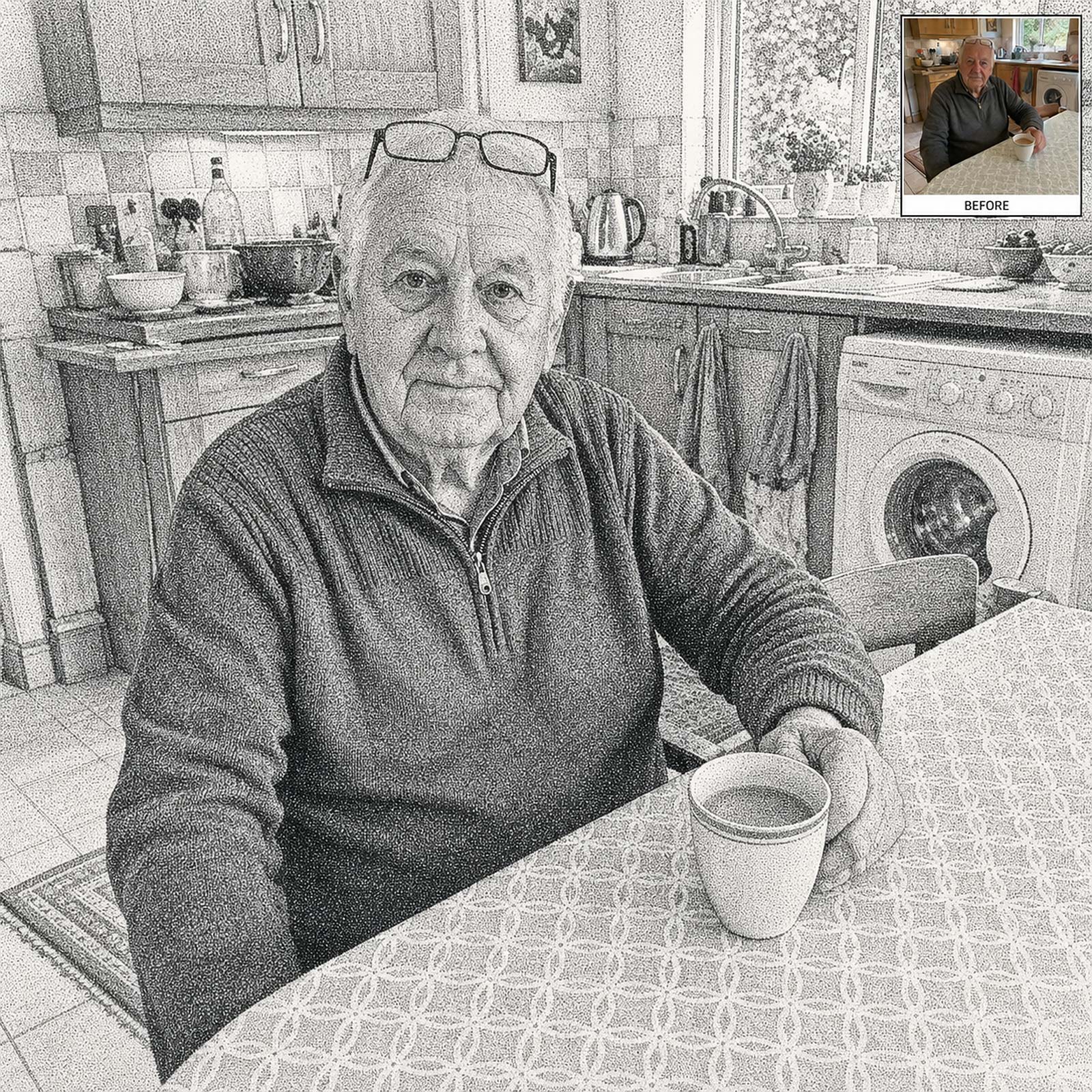
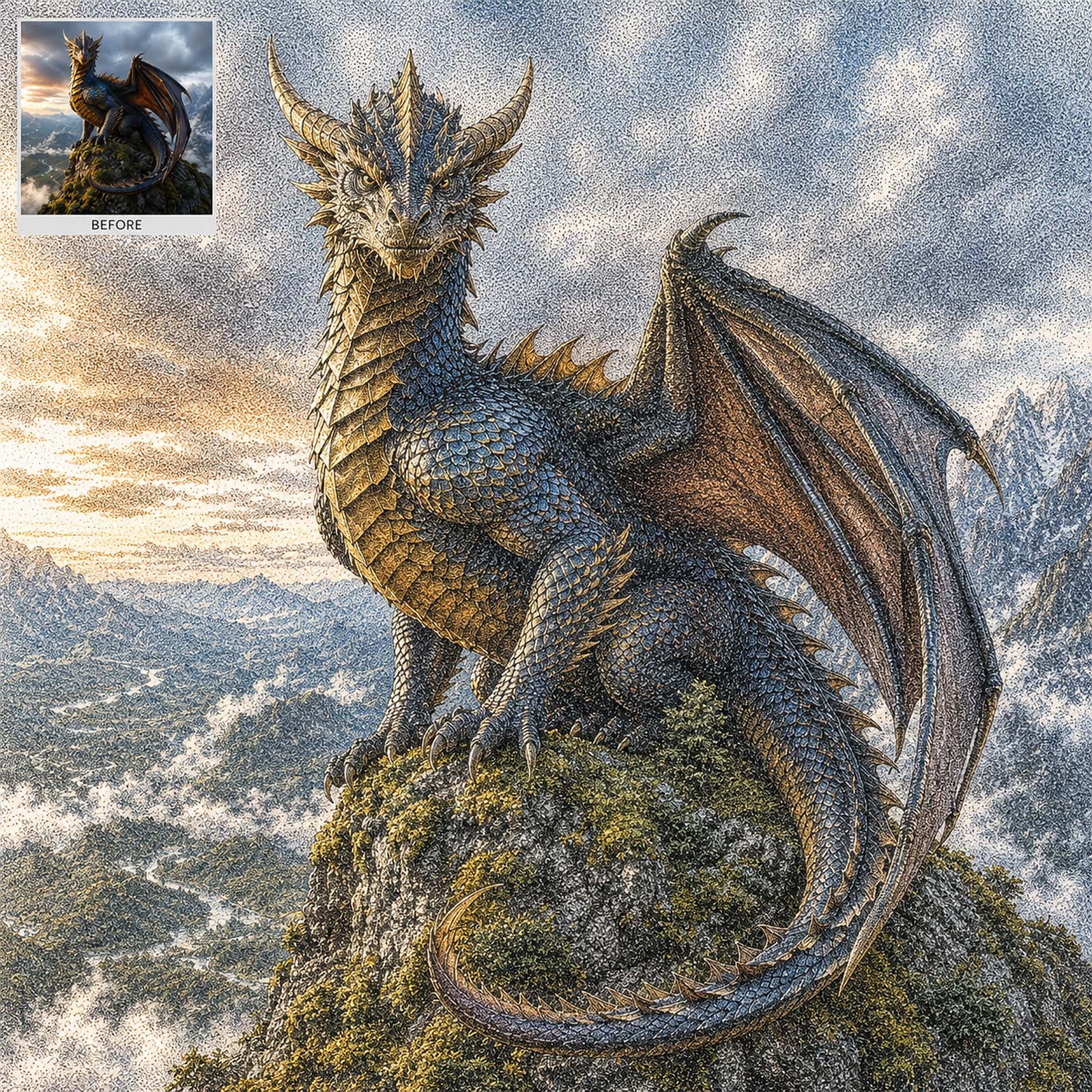
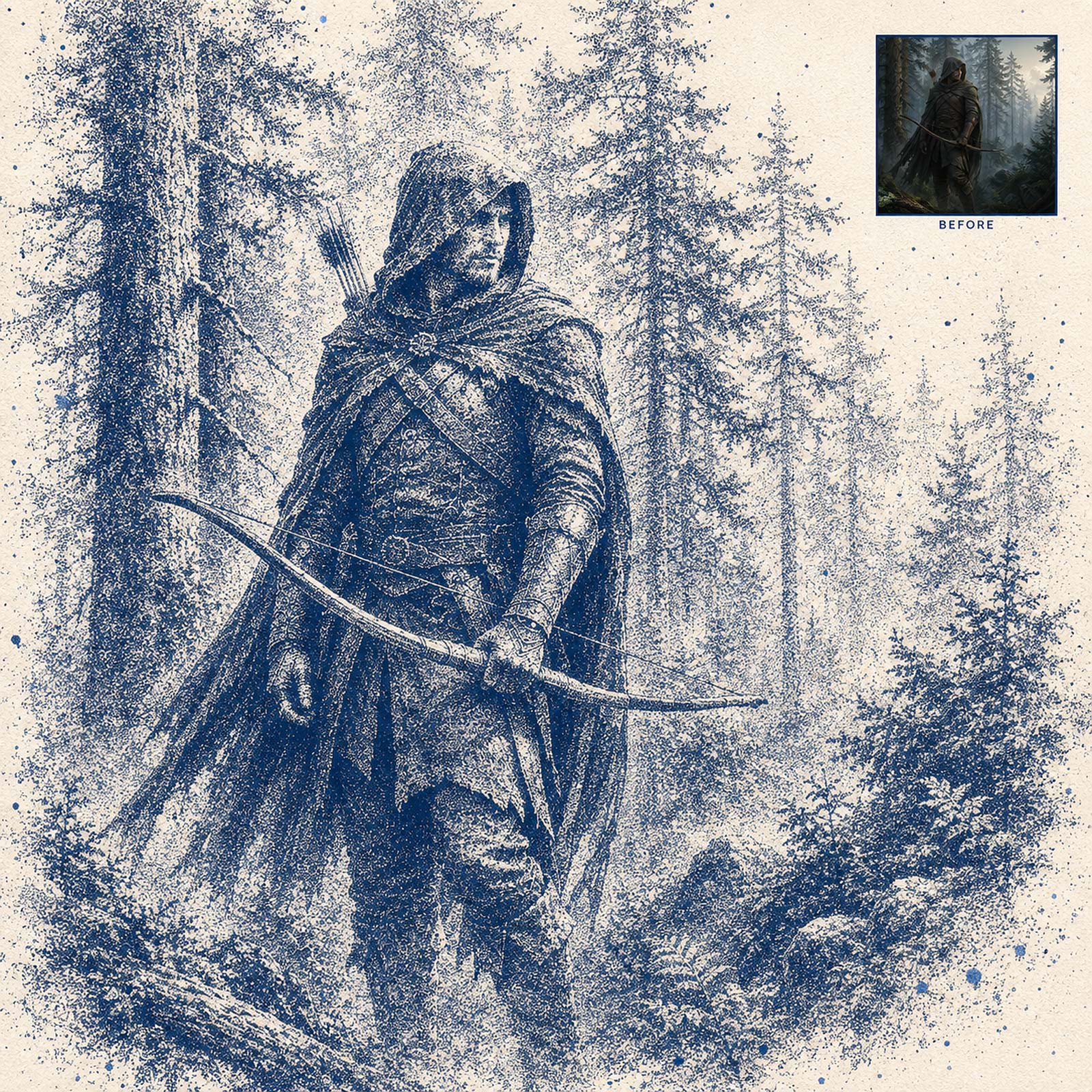
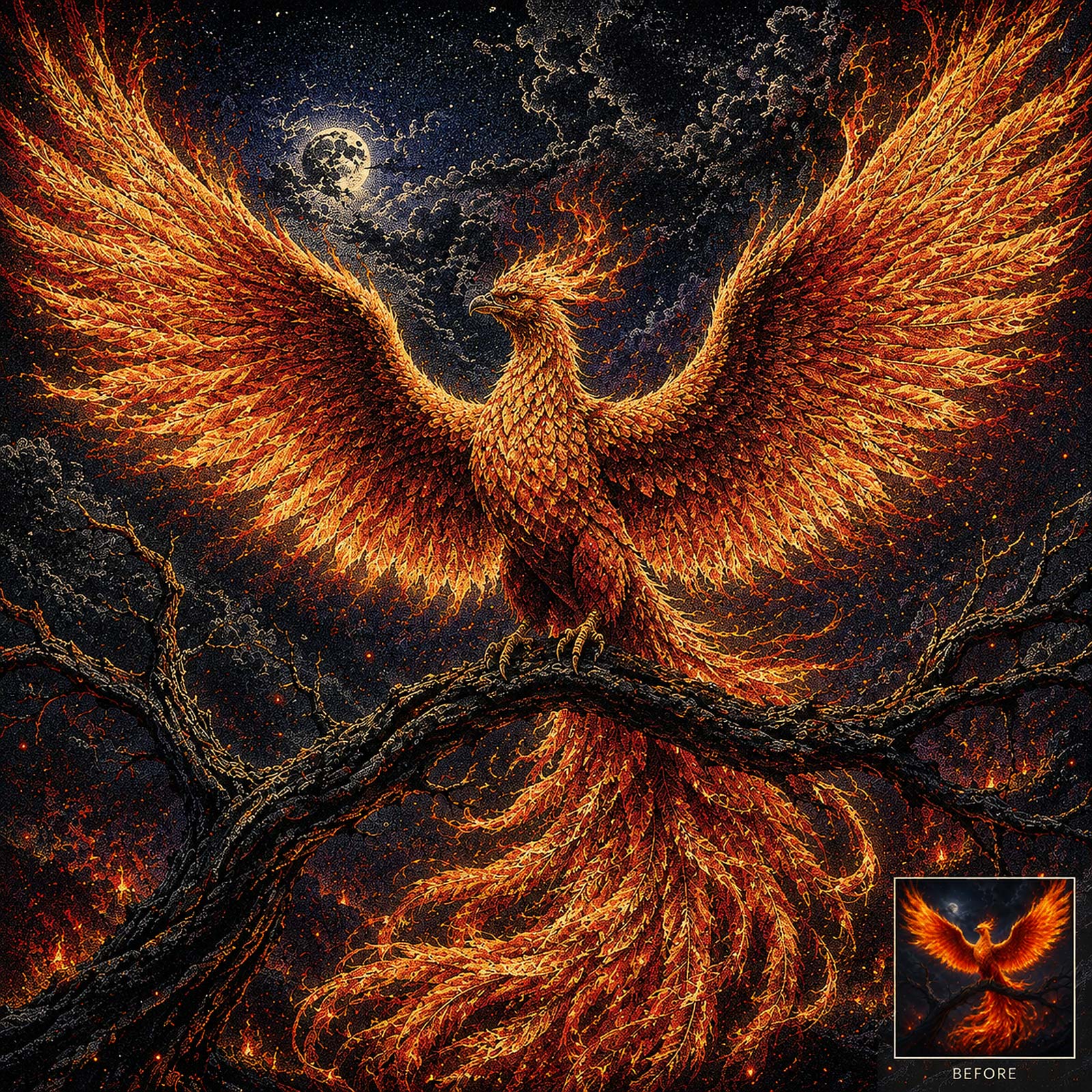
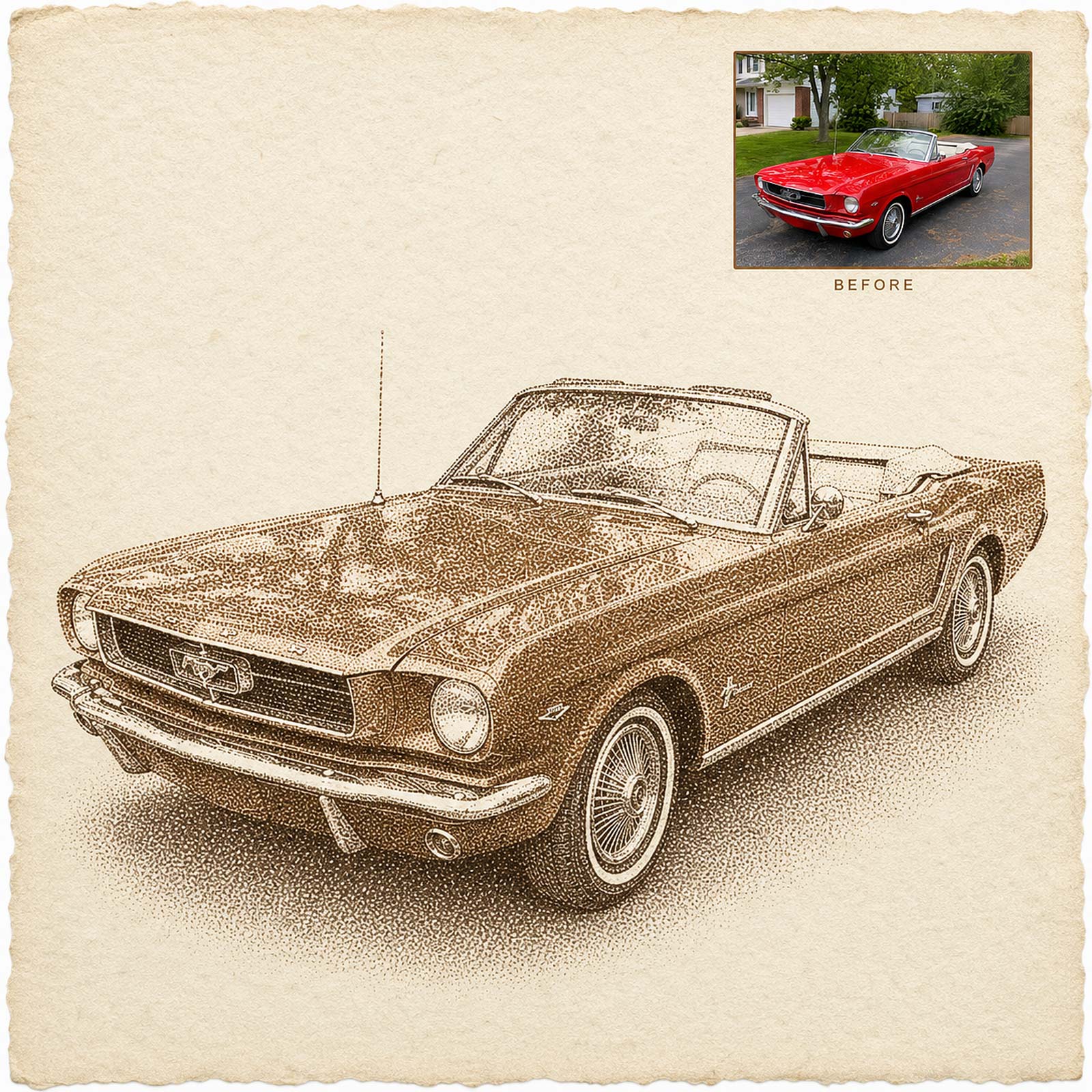
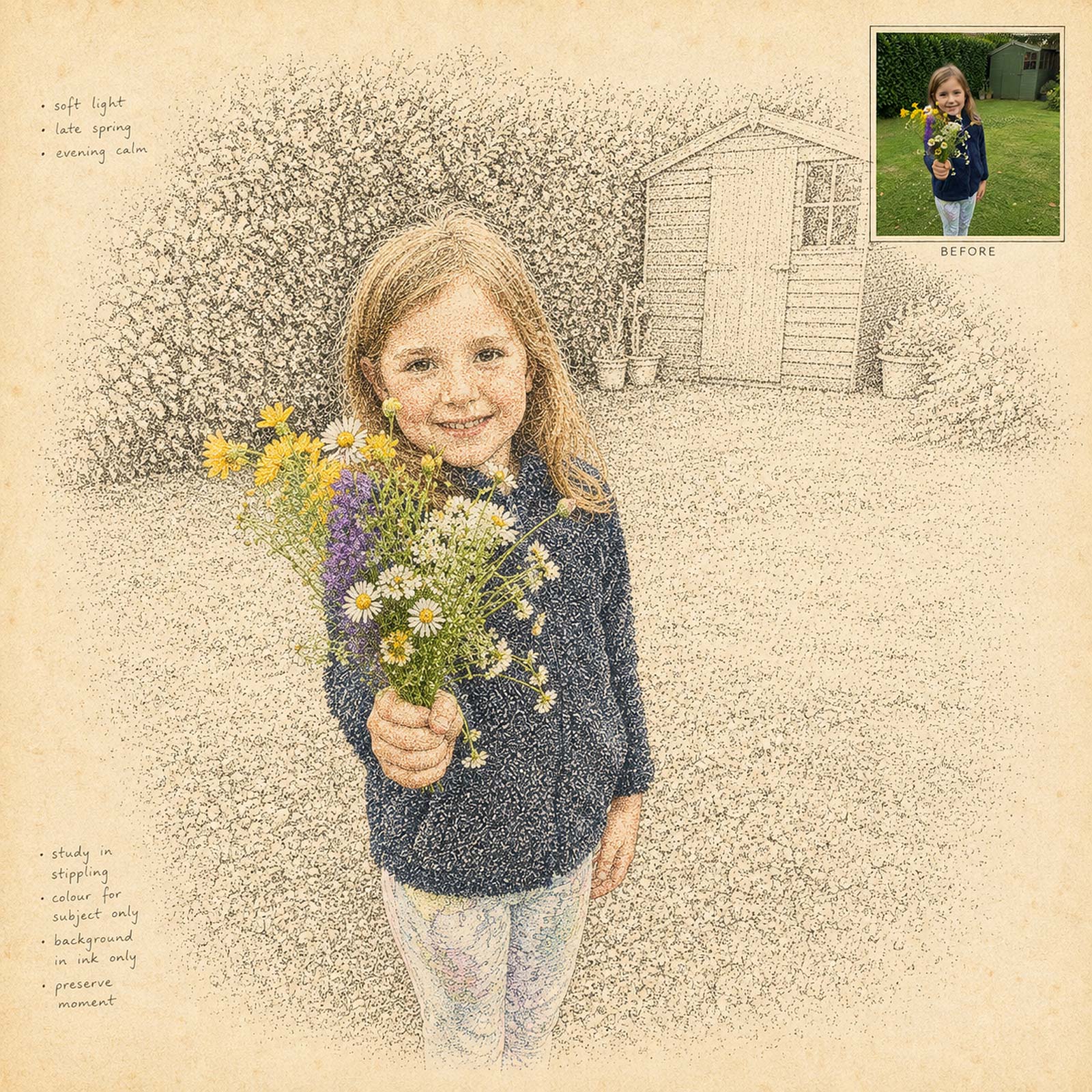
Stippled Ink Drawing turns your photo into a patient hand drawn ink illustration built from thousands of tiny dots. Every tone comes from dot density alone, packed tightly in the shadows and thinning out to bare paper in the light, with no hatching or line shading anywhere unless you choose to add it.
You choose the stipple style, from fine and controlled through bold coarse dots to a soft dusted spray. Then set the detail level, the tonal depth, and the colour treatment, including a shaded pencil crayon overlay that lays soft waxy colour over the finished dot work.
The composition and subject placement stay true to your original photo while the surface becomes true dot work. It works on portraits, pets, buildings, classic cars, and fantasy artwork, and the results suit framed prints, book plates, greeting cards, and gallery walls.
Features of the Stippled Ink Drawing AI Artistry Prompt
- Works On Any Device, No Photoshop Needed: Use this prompt on your phone, tablet, or computer. Nothing to install, no software to update, no complex workflow to learn.
- True Dot Work By Default: Ridges, folds, and texture are described by changing dot density, not by lines, so the result is real stippling rather than an engraving.
- 6 Stipple Styles: Classic Fine, Bold Coarse Dots, Loose Sketchy, Precise Scientific, Soft Dusted, and an optional Hatched Darks style for a traditional pen and ink study.
- 4 Detail Levels: From a soft loose impression through to intricate detail worked into every texture.
- 5 Tonal Depths: Full tonal range, high contrast, light and airy, rich and dark, or soft and even.
- 6 Colour Treatments: Pure black ink, warm sepia, deep ink blue, coloured ink dots, plus a shaded pencil crayon overlay across the whole piece or on the subject alone.
- 5 Backgrounds: Keep your original scene, clean bare paper, a soft fade to paper, a dense dark ground, or a loose stippled suggestion.
- 6 Finishing Touches: Add aged paper, a deckled border, a thin outer contour, ink splatter, handwritten notation, or a soft shadow.
- Interactive Controls: Copy your completed prompt with one tap and adjust it from your My AI Prompts page.
Stippled Ink Drawing is more than just a prompt. It is a creative tool for turning an ordinary photo into a patient, dot by dot work of hand drawn ink art.
Recommended for use with ChatGPT, Gemini, and Microsoft Copilot on their free tiers. Also compatible with other AI image platforms.
Related products

33%