

25%
Fine-Art Studio
by Dave Seeram
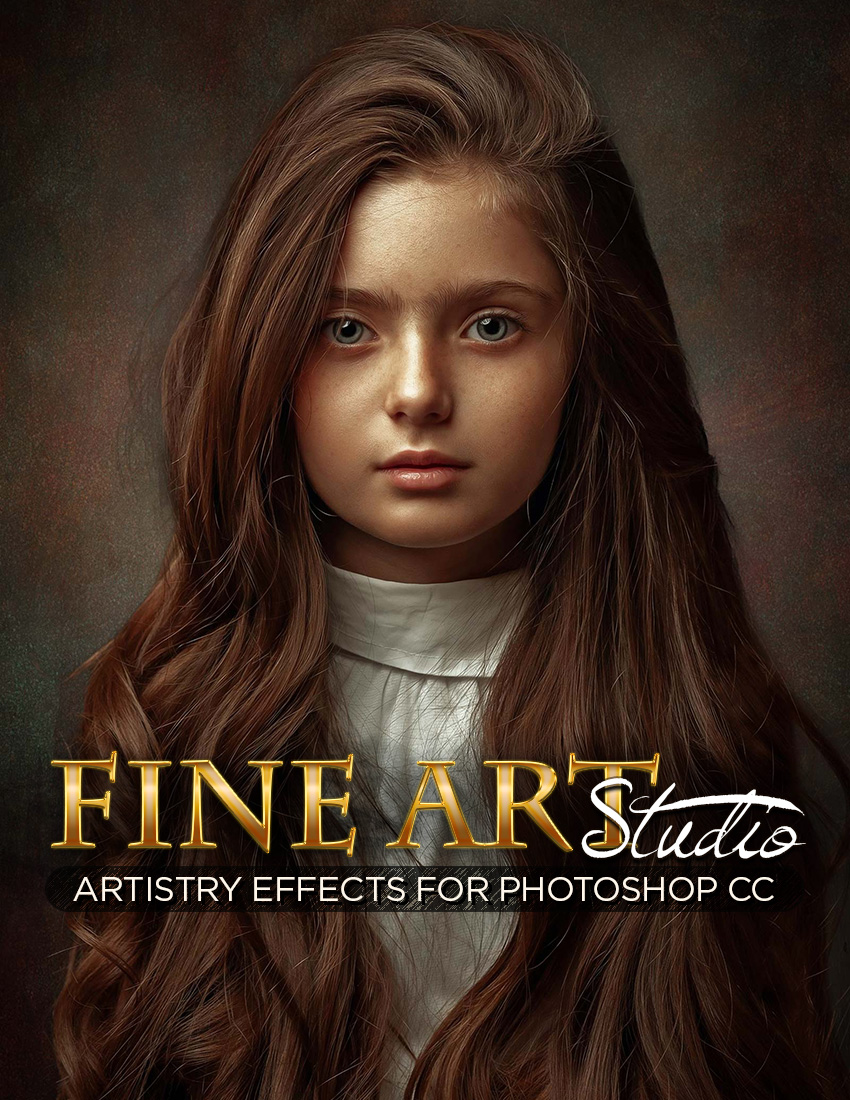
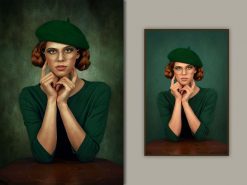
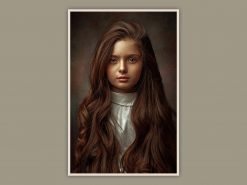
Fine Art Studio transforms your portraits into elegant fine-art creations with beautifully controlled lighting, rich tonal depth, and the timeless atmosphere of a professionally crafted studio portrait. Inspired by classic portraiture and contemporary fine-art photography, this effect makes it possible to achieve a sophisticated look that is both striking and remarkably difficult to create from scratch.
Features of the Painter Studio 2026 Photoshop Effect
- 11 Custom Studio Backdrops: Beautifully crafted backgrounds designed to create elegant and professional fine-art portraits.
- Fine-Art Portrait Styling: Achieve a timeless studio look with rich tonal depth, soft transitions, and dramatic artistic atmosphere.
- 5 Canvas Texture Options: Carefully crafted textures that add depth, realism, and an authentic fine art surface to your work.
- Custom Vignettes: Specially designed custom-shaped vignette effects that can be used alone, in combination, or toggled off.
- Advanced Portrait Controls: Full control over sharpness, smoothness, color toning, and micro-contrast for complete creative flexibility.
- Gallery-Worthy Results: Create refined portraits that look as though they were meticulously finished in a professional fine-art studio.
- Professional Workflow: No actions, brushes, or patterns to install. Optional controls included.
Fine Art Studio is more than just an effect. It is a complete portrait artistry tool for creating images with depth, elegance, and the unmistakable beauty of classic fine-art portraiture.
Compatible with Photoshop CS6 through CC (current release) *Oil Paint filter required
Frequently Bought Together
Fine Art Studio transforms your portraits into elegant fine-art creations with beautifully controlled lighting, rich tonal depth, and the timeless atmosphere of a professionally crafted studio portrait. Inspired by classic portraiture and contemporary fine-art photography, this effect makes it possible to achieve a sophisticated look that is both striking and remarkably difficult to create from scratch.
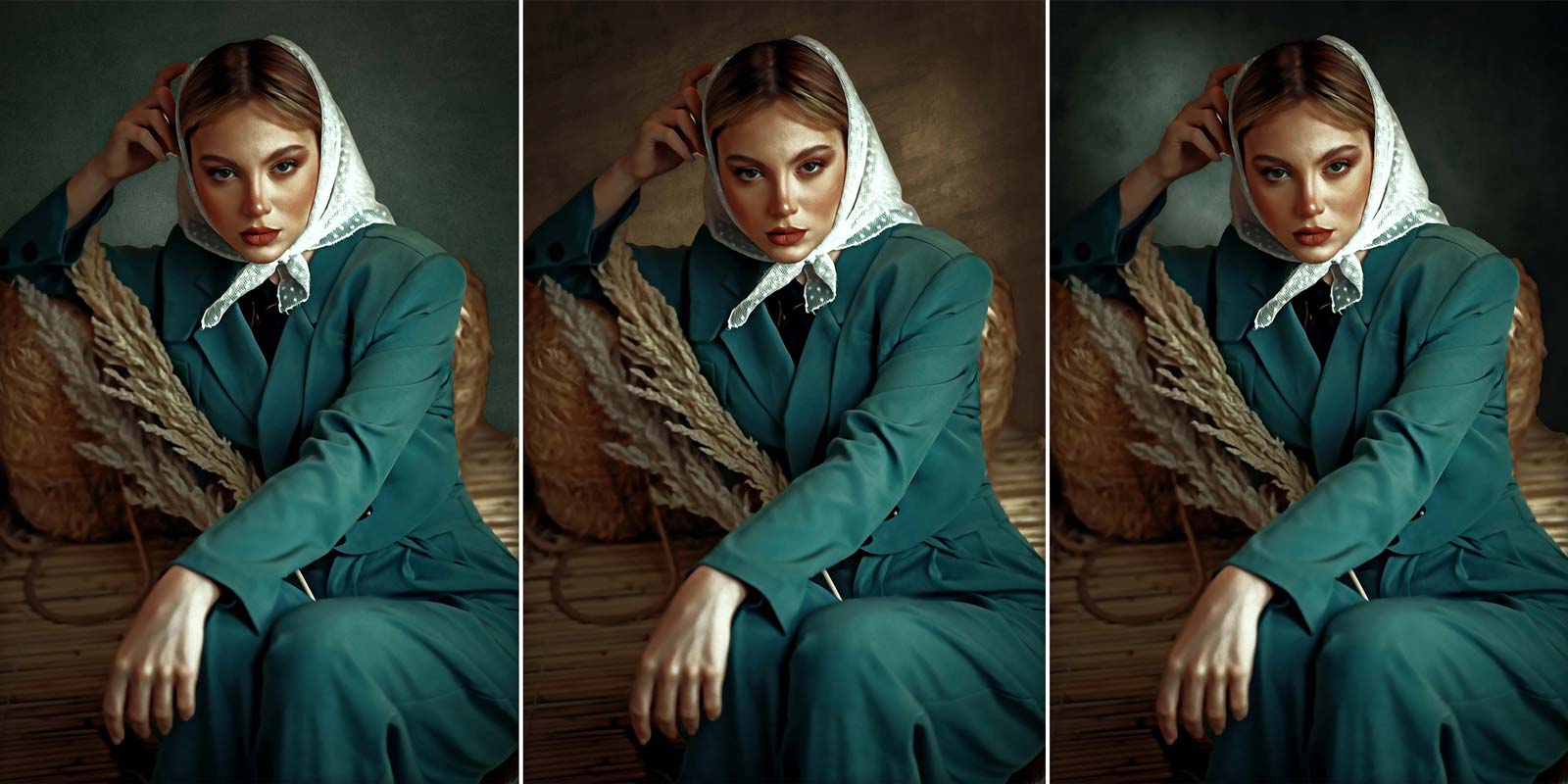
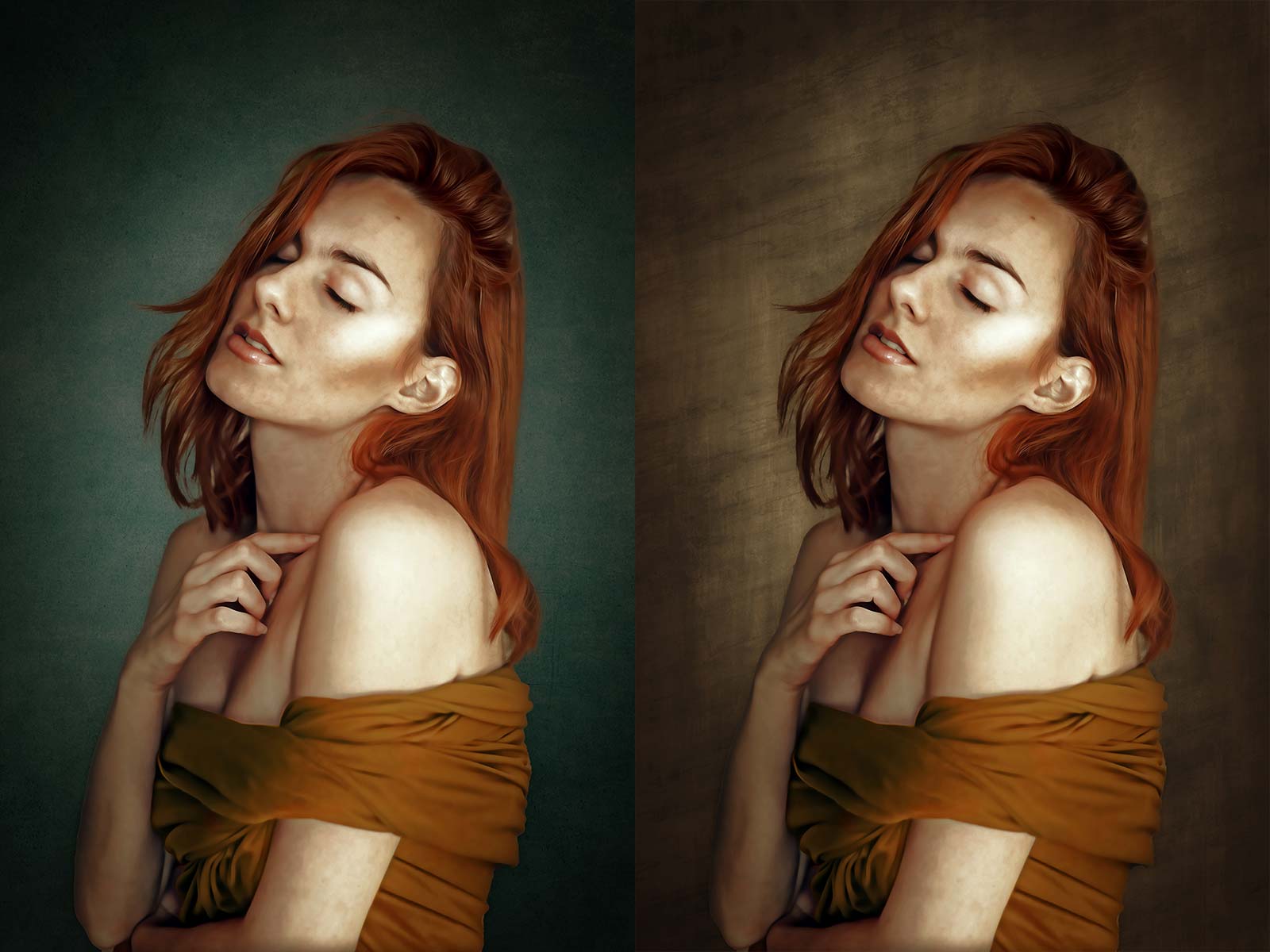
At the heart of Fine Art Studio are eleven custom-designed studio backdrops, each carefully crafted to complement your subject and create a polished, gallery-worthy presentation. Combined with refined portrait styling and advanced enhancement controls, your images take on a dramatic and artistic quality that feels intentional, graceful, and beautifully finished.
Features of the Painter Studio 2026 Photoshop Effect
- 11 Custom Studio Backdrops: Beautifully crafted backgrounds designed to create elegant and professional fine-art portraits.
- Fine-Art Portrait Styling: Achieve a timeless studio look with rich tonal depth, soft transitions, and dramatic artistic atmosphere.
- 5 Canvas Texture Options: Carefully crafted textures that add depth, realism, and an authentic fine art surface to your work.
- Custom Vignettes: Specially designed custom-shaped vignette effects that can be used alone, in combination, or toggled off.
- Advanced Portrait Controls: Full control over sharpness, smoothness, color toning, and micro-contrast for complete creative flexibility.
- Gallery-Worthy Results: Create refined portraits that look as though they were captured and meticulously finished in a professional fine-art studio.
- Professional Workflow: No actions, brushes, or patterns to install. Optional controls allow you to fine tune paint styles, textures, and color while keeping the workflow clean and intuitive.
Fine Art Studio is more than just an effect. It is a complete portrait artistry tool for creating images with depth, elegance, and the unmistakable beauty of classic fine-art portraiture.
Compatible with Photoshop CS6 through CC (current release) *Oil Paint filter required
FINE-ART STUDIO - VIDEO DEMO - COMING SOON
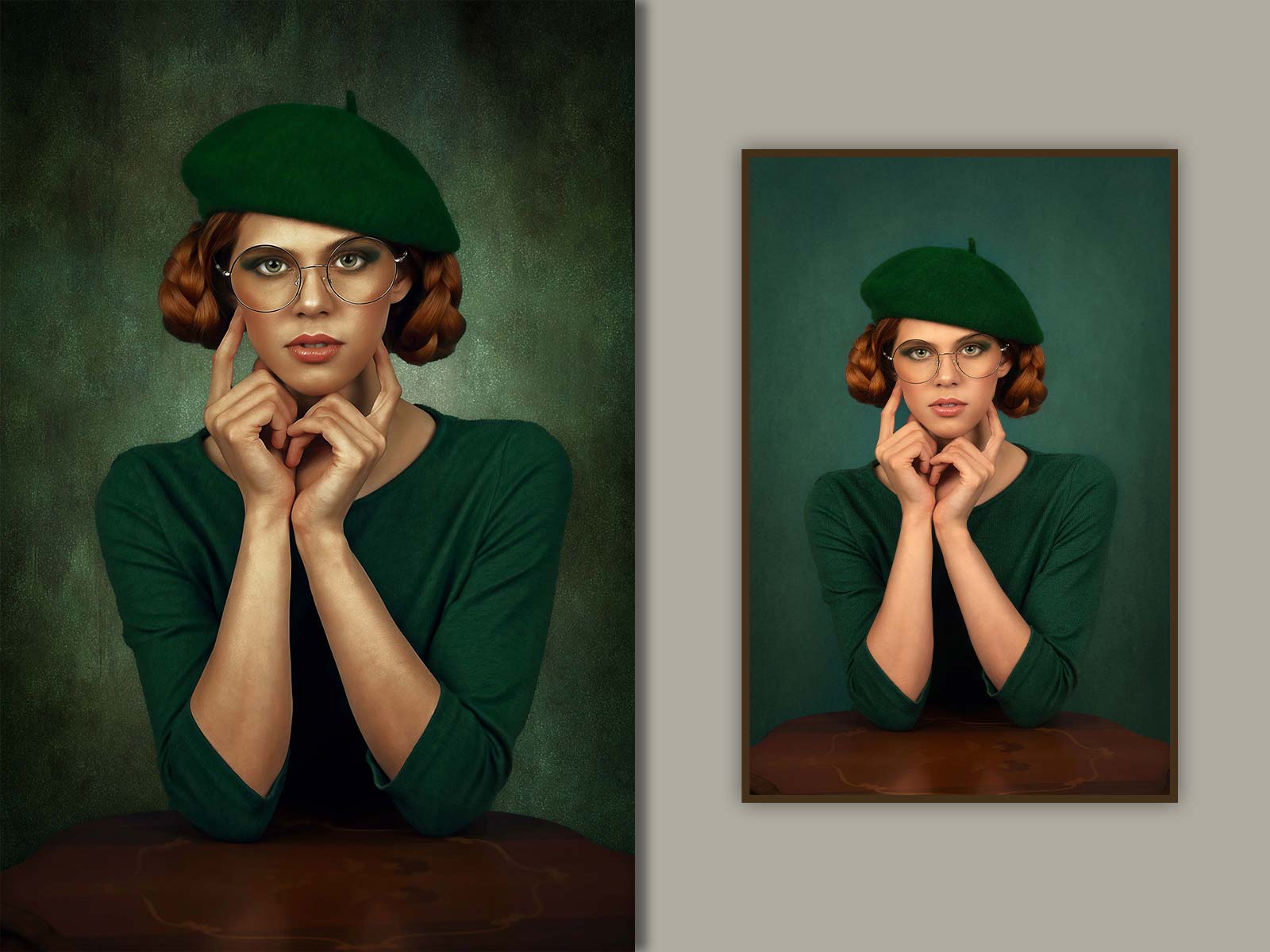
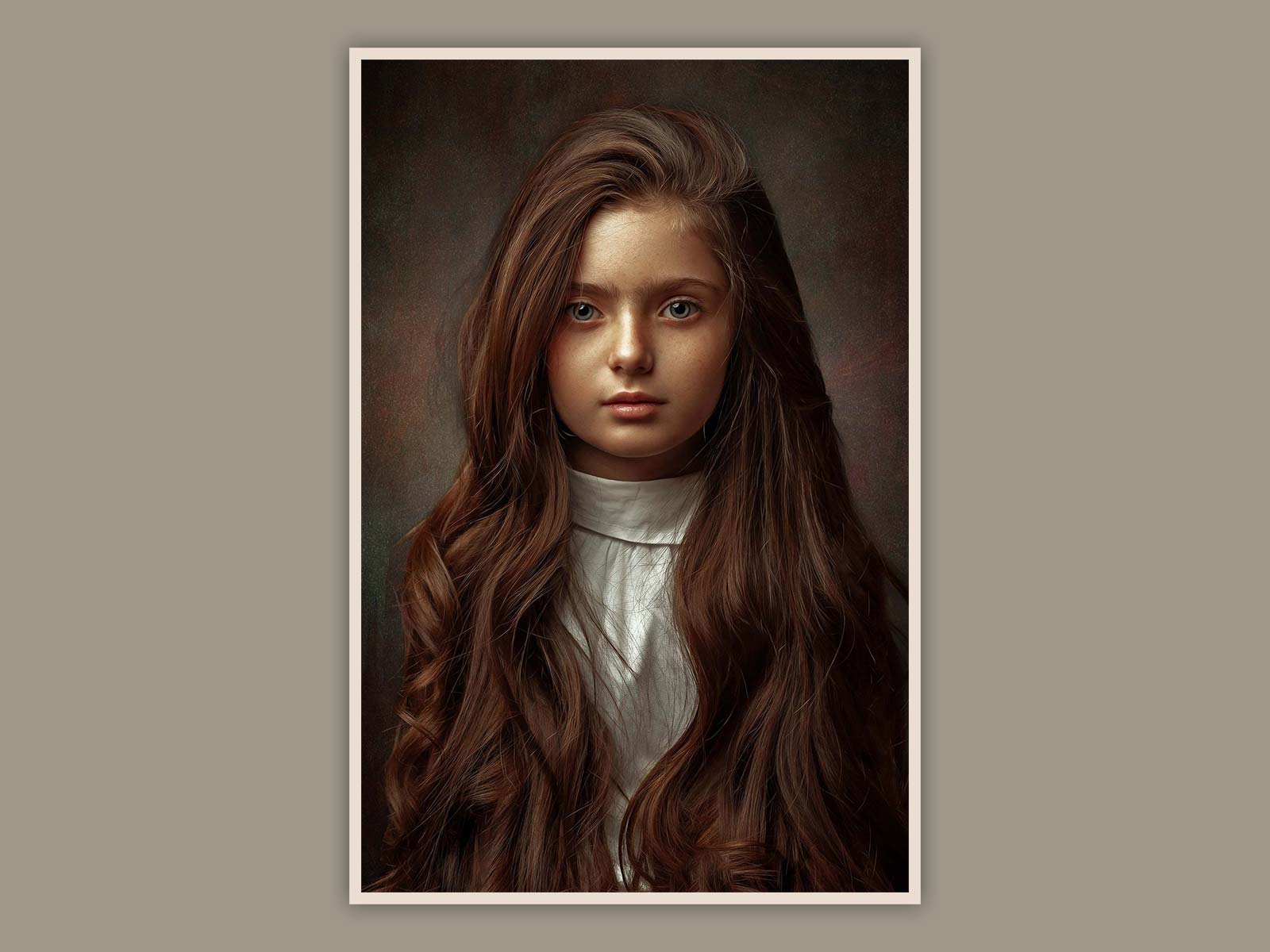
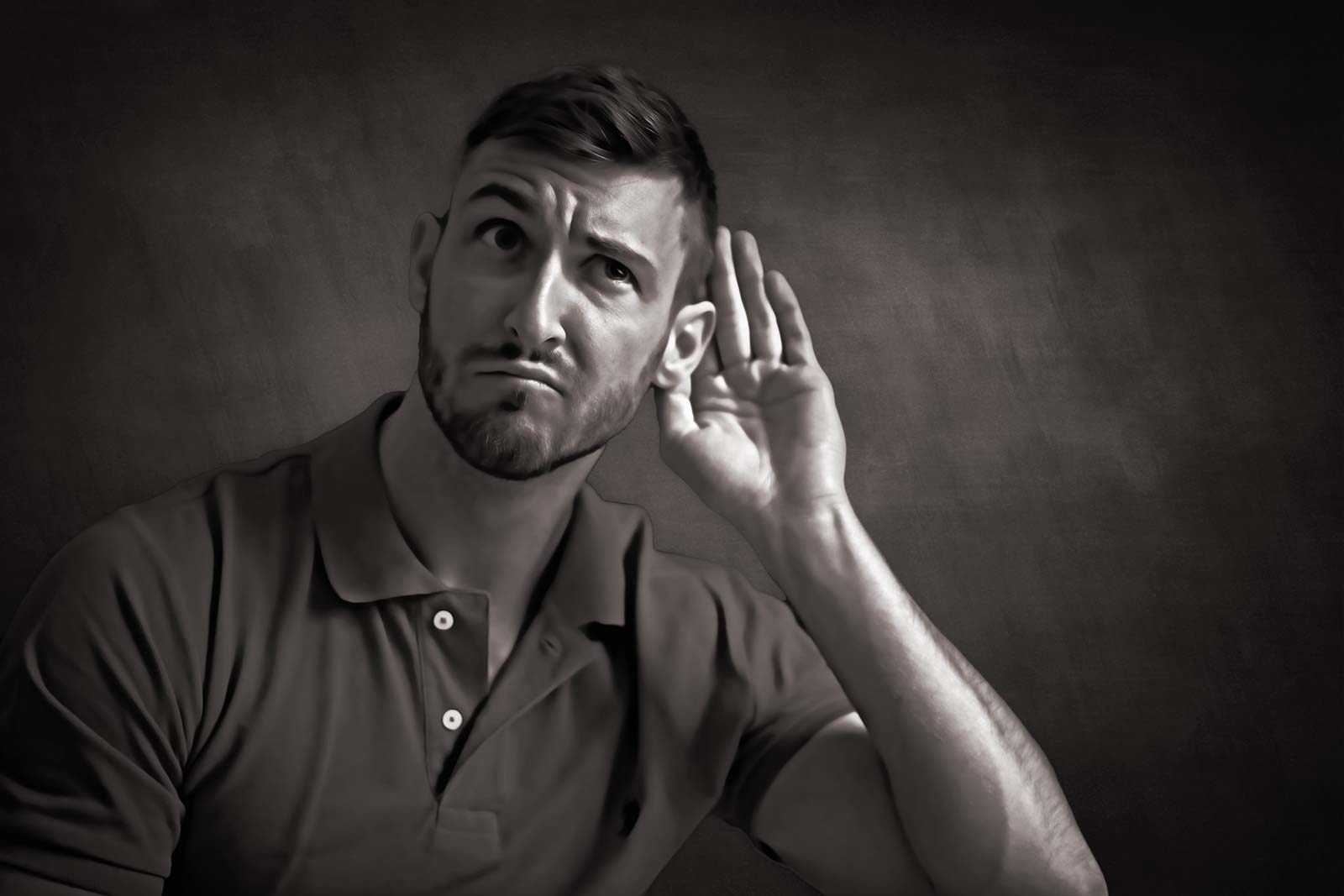
FINE-ART STUDIO 2026 - SAMPLE IMAGES
Multiple Brush and Texture Options for Total Control
Control Background Colors, Vignettes, and Textures
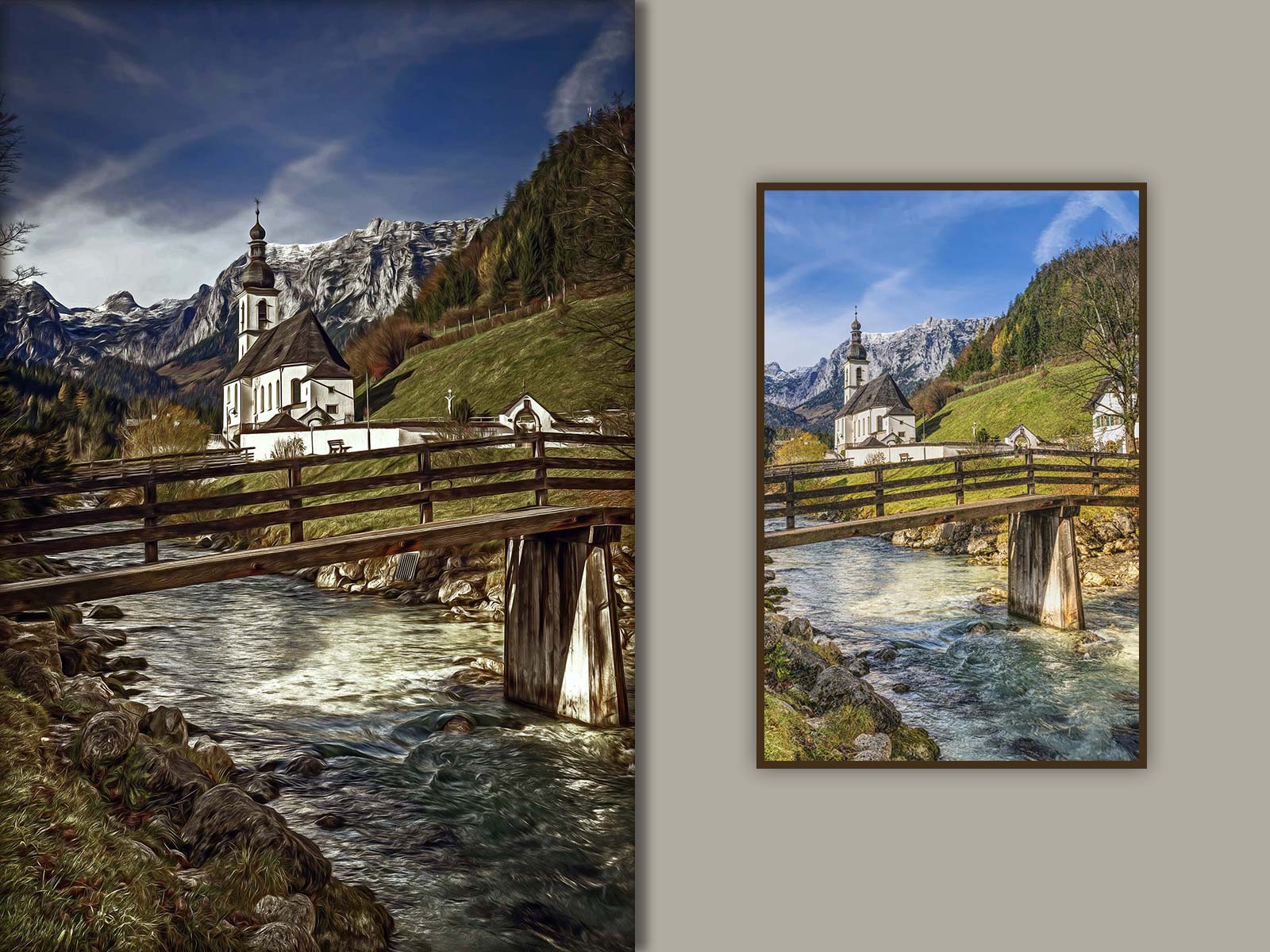
Turn Scenic Photos into Fine-Art

Compatibility:
- Photoshop CC
- Photoshop CS6
Included Files:
- Fine-Art Studio LANDSCAPE Template (.psd)
- Fine-Art Studio PORTRAIT Template (.psd)
- User Guide with Video Tutorial
Only logged in customers who have purchased this product may leave a review.
Related products
50%
50%
Reviews
There are no reviews yet.