Portrait Nocturne
by Dave Seeram
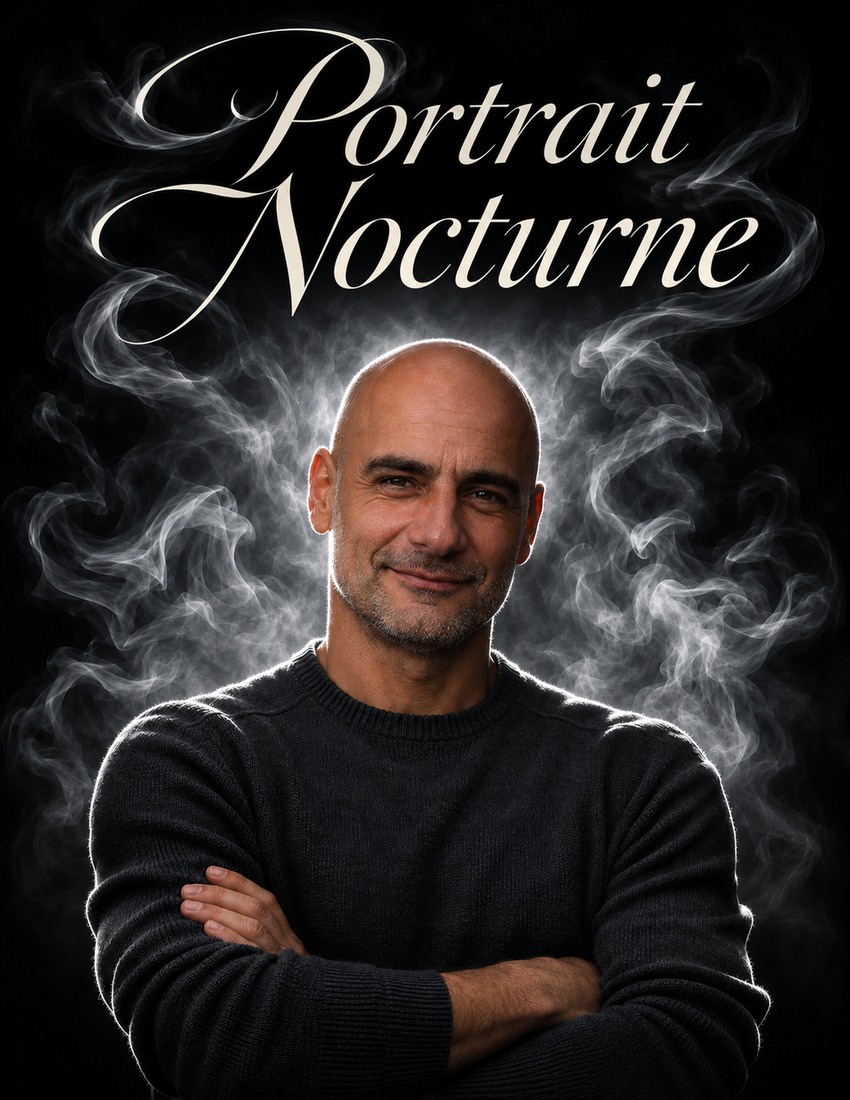
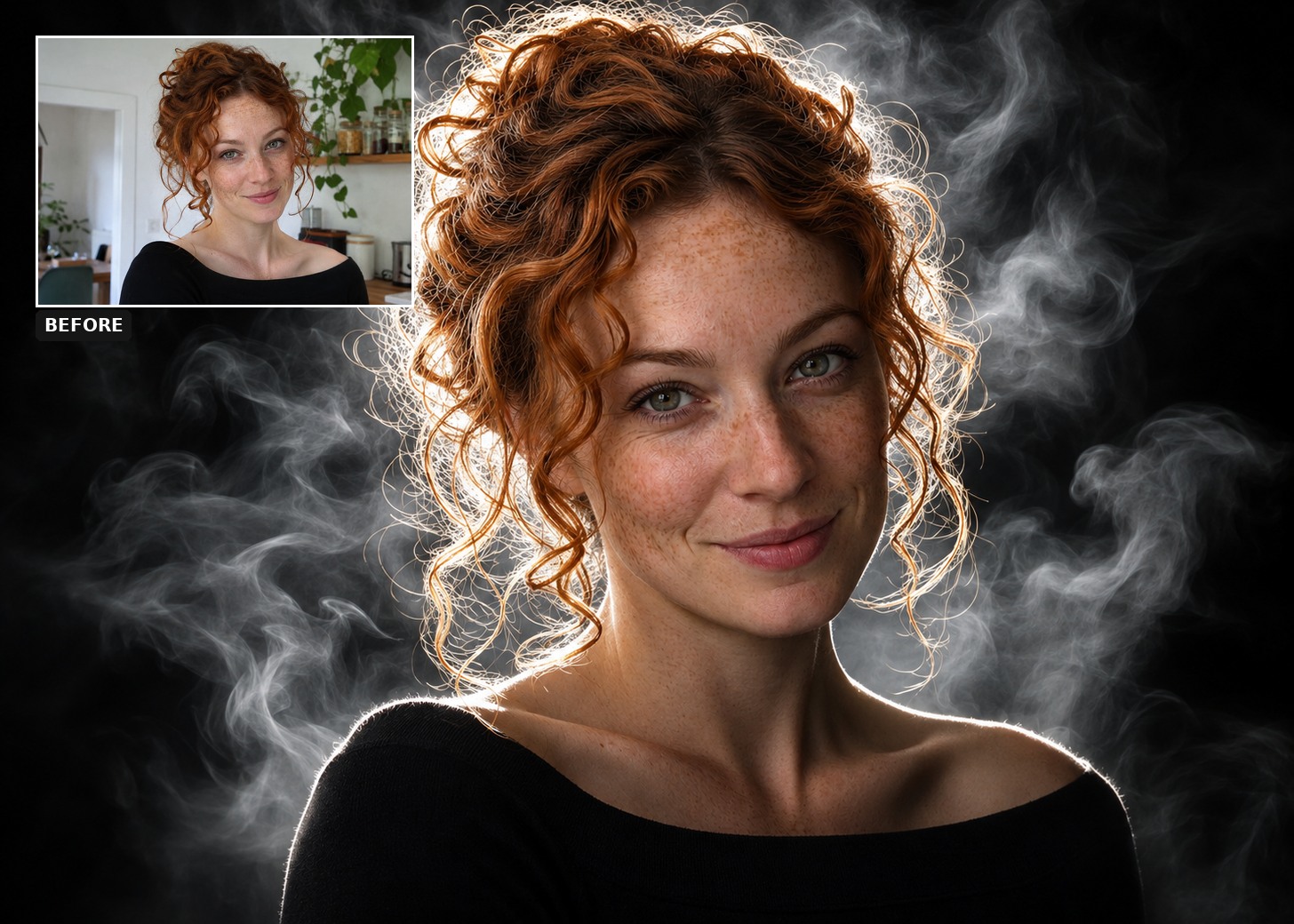
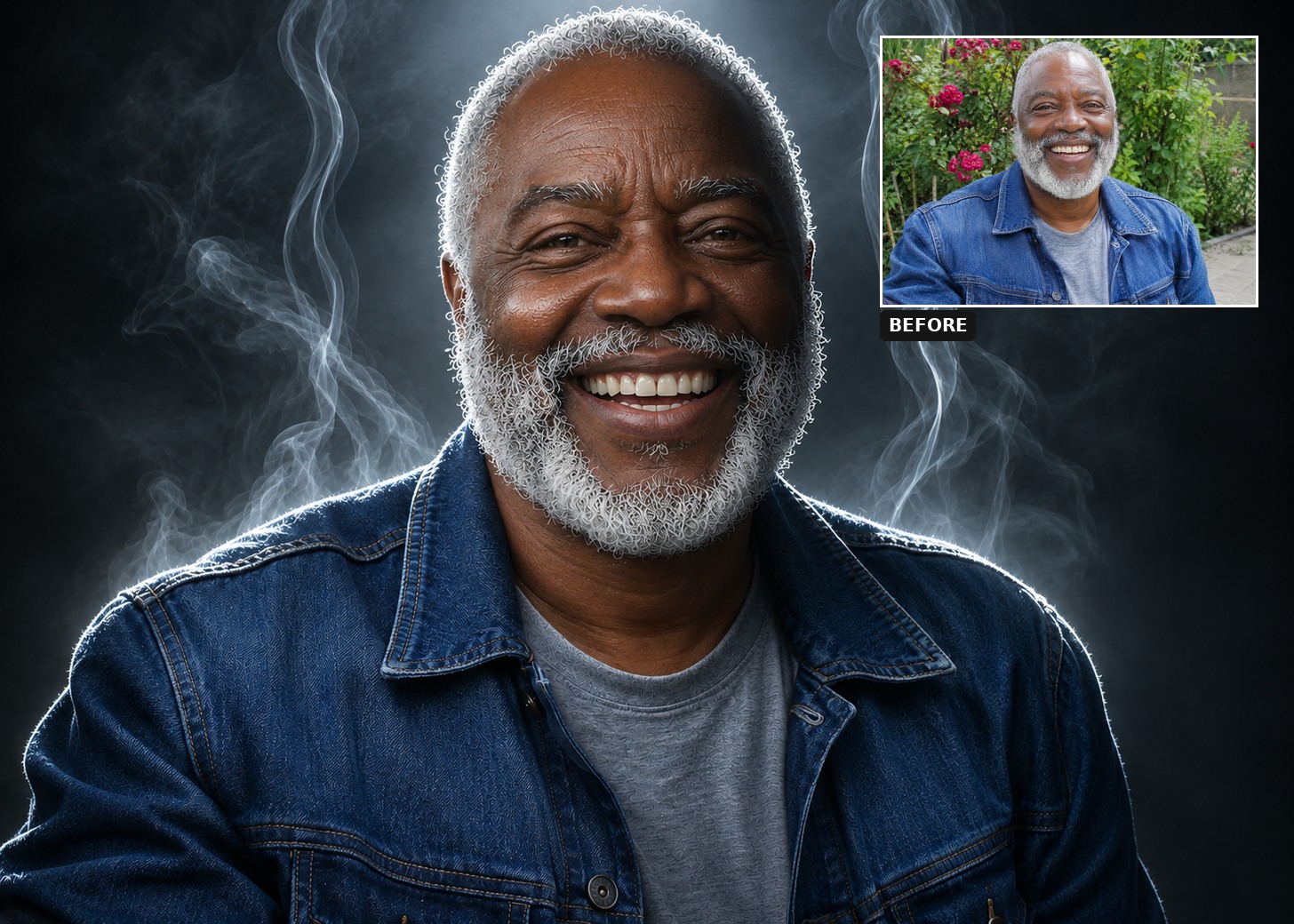
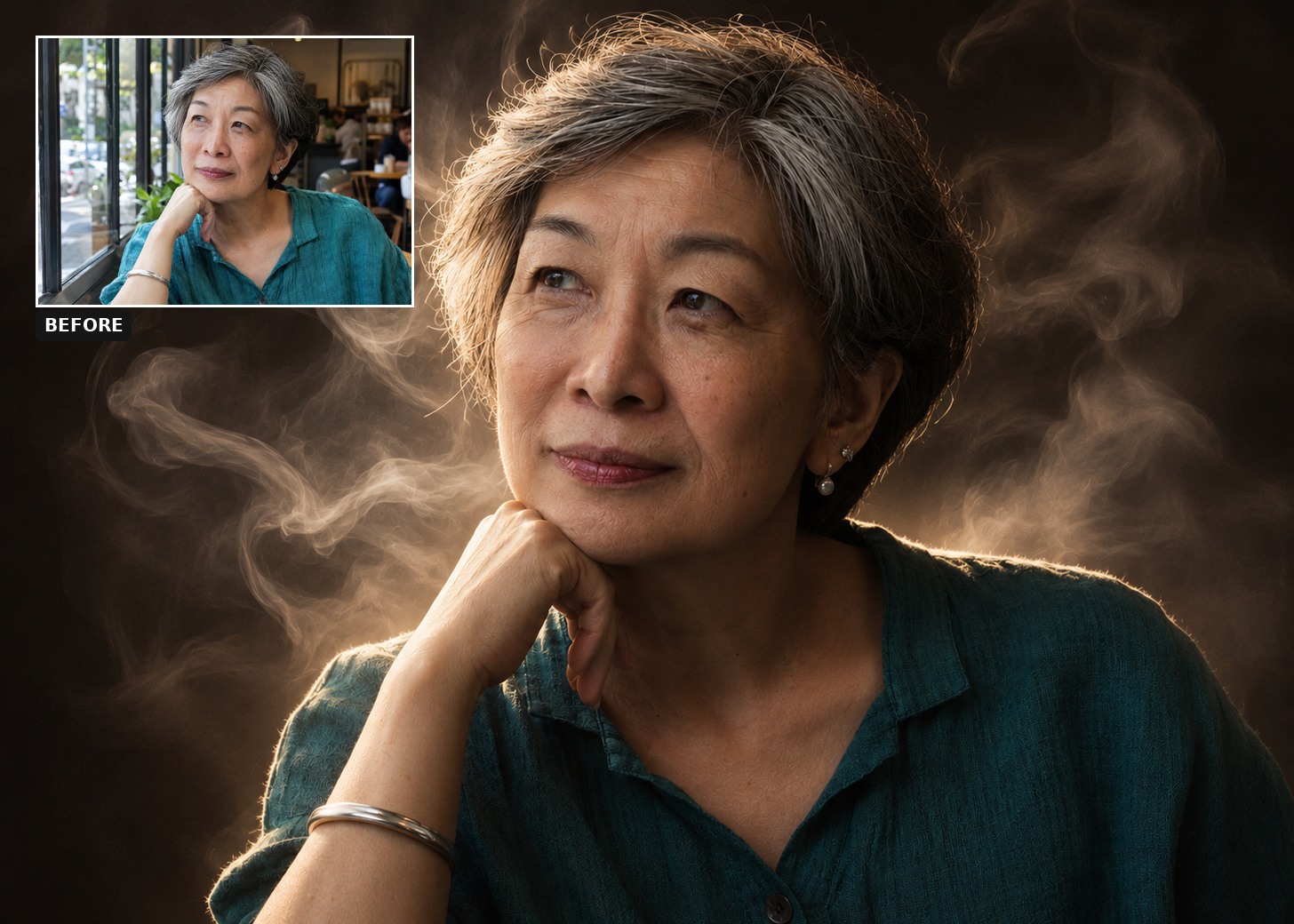
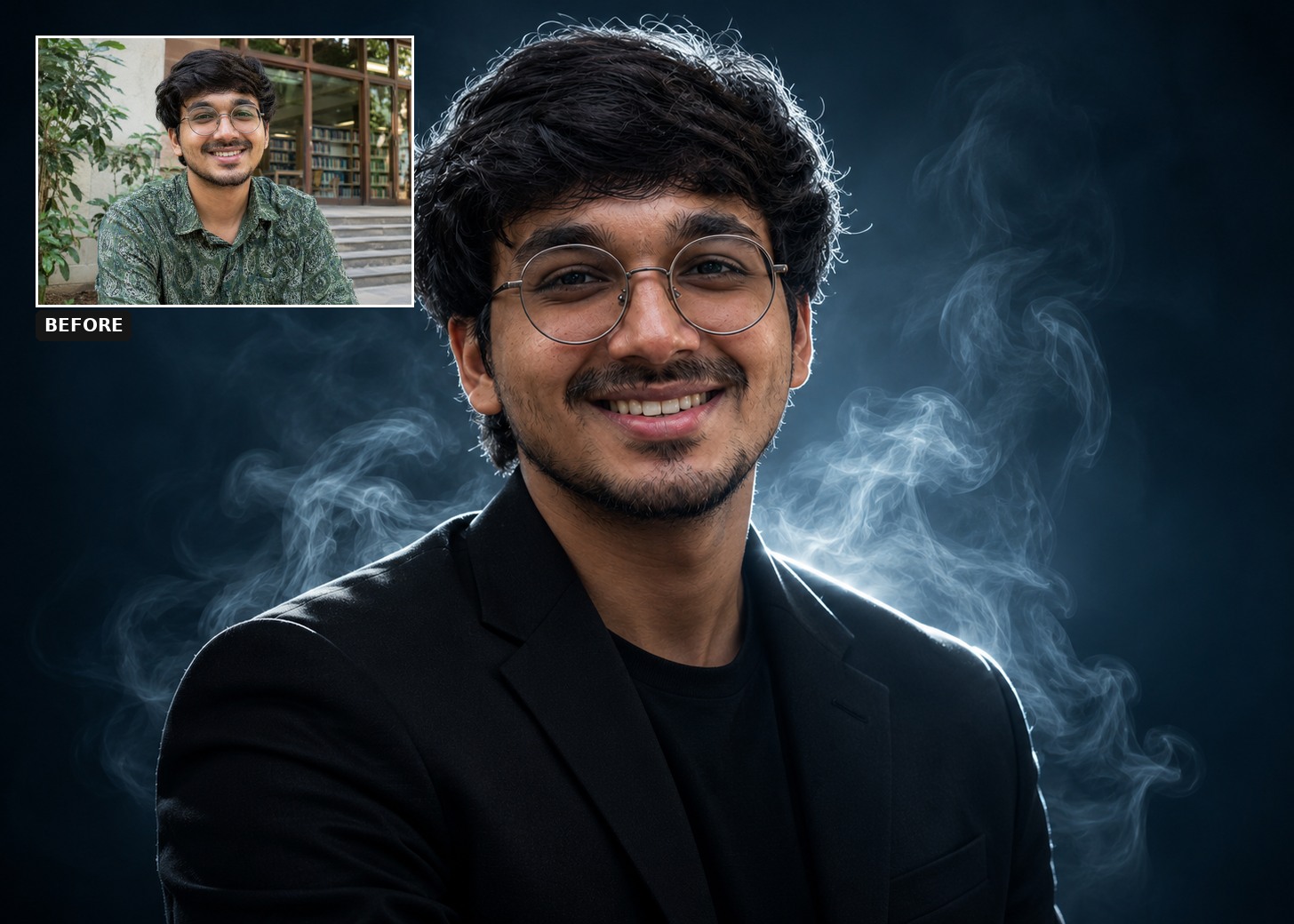
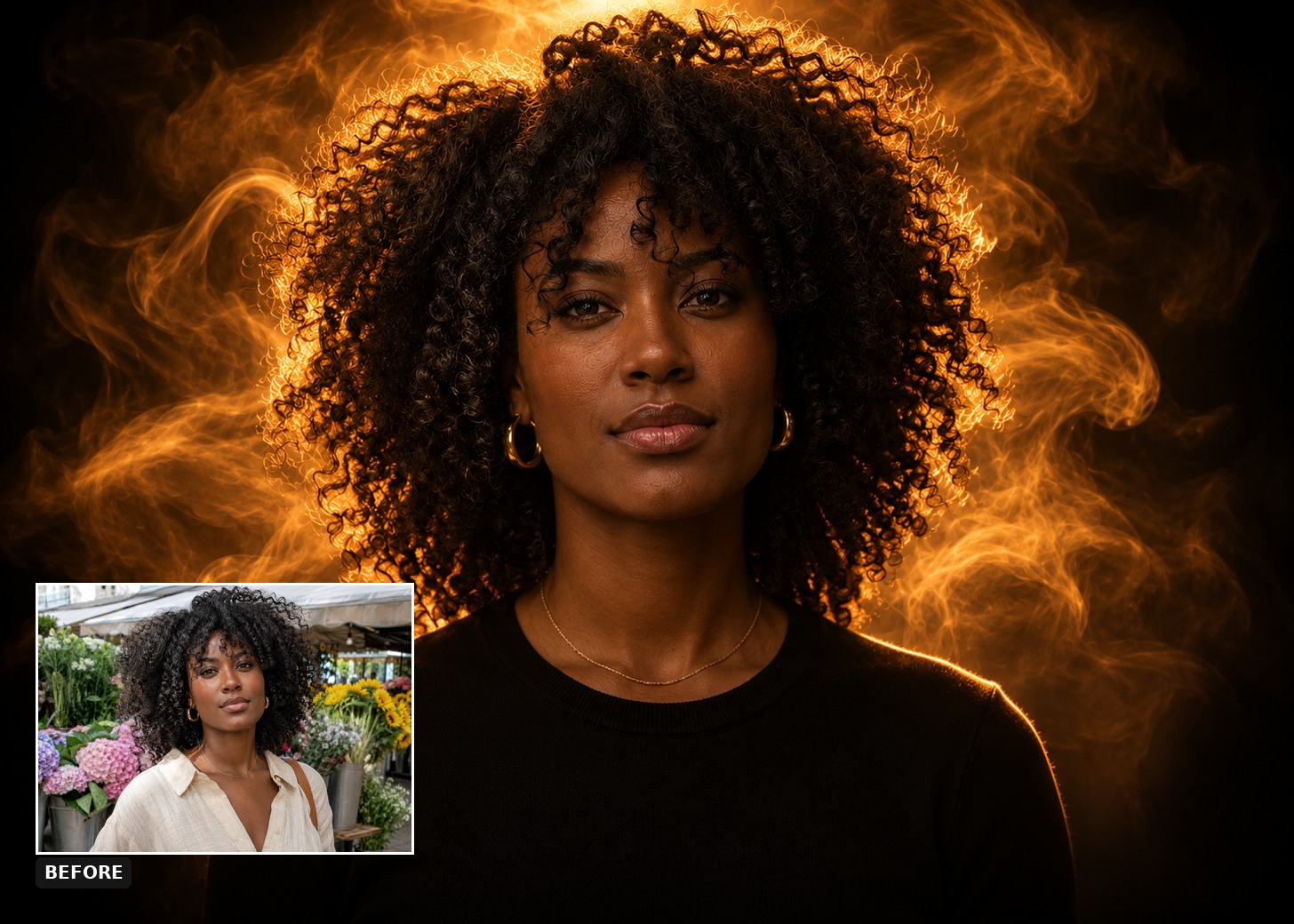
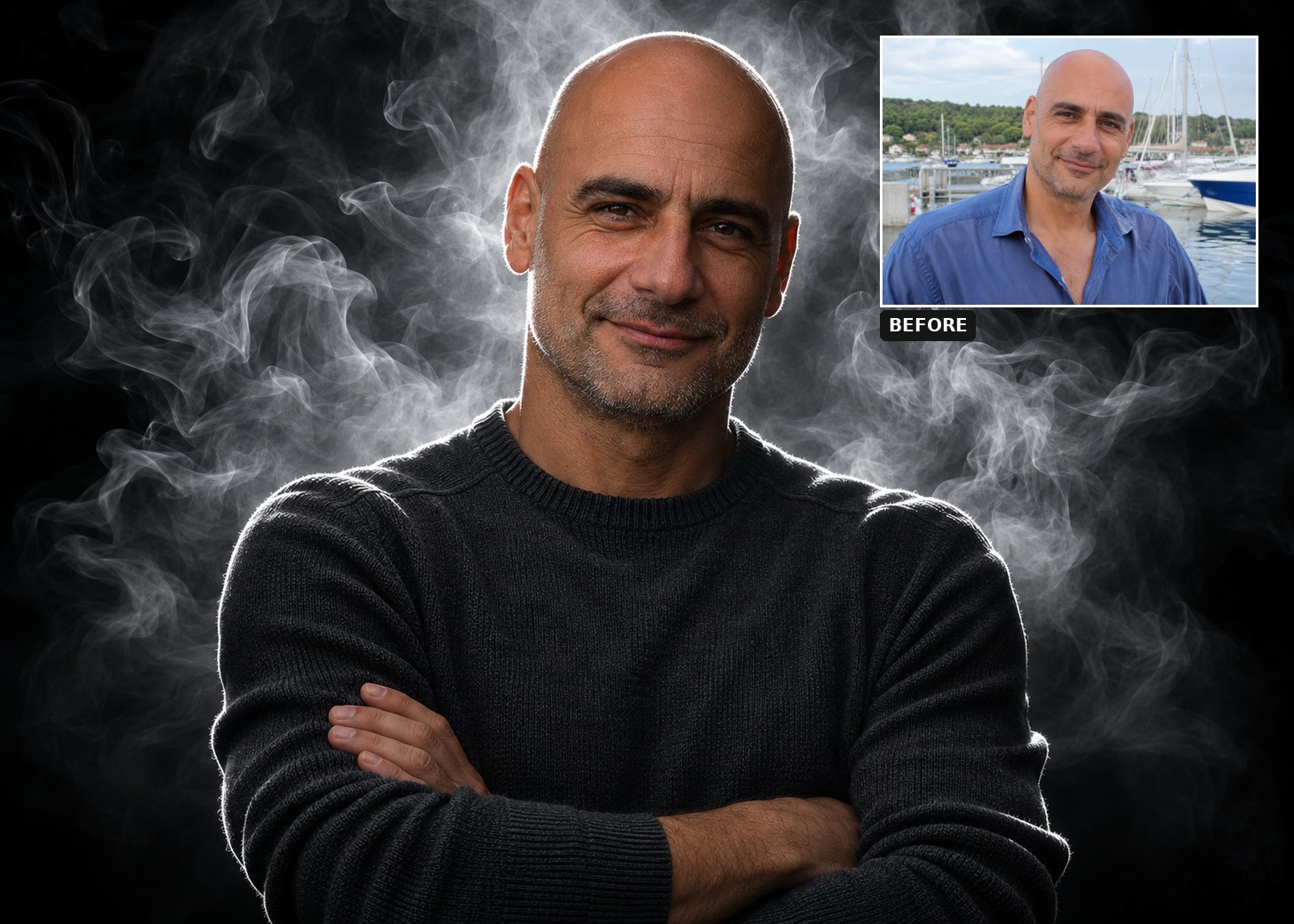
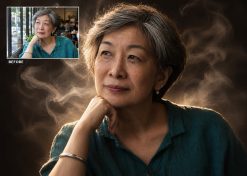
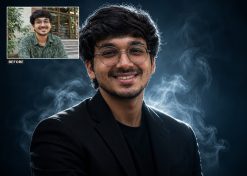
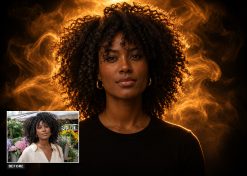
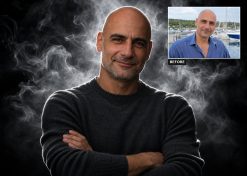
Portrait Nocturne turns your photo into a low light studio portrait. Backlight catches individual curls, the edge of a cheek, and the smoke rising behind each shoulder. The eyes stay clear while the far side of the face falls into shadow. Choose from four rim light colours, four light positions, three face lighting settings, four studio atmospheres, four backdrops, and three light edges.
A smile stays a smile. The default also keeps the pose, gaze, framing, and clothes in your photograph. Use it for an actor’s headshot, a musician’s profile, or a personal print.
- Four Rim Light Colours: Neutral White, Cool Silver, Warm Champagne, and Amber.
- Four Studio Atmospheres: Backlit Smoke, Low Smoke, Rising Smoke, and Layered Smoke.
- Full Creative Control: Place the backlight, shape the shadows, or try one of three studio poses and four outfits. Pose and clothing can be changed independently.
- Three Finishing Touches: Add film grain, a gentle vignette, or fine fabric detail.
Recommended for use with ChatGPT, Gemini, and Microsoft Copilot on their free tiers. Also compatible with other AI image platforms.
Portrait Nocturne turns your photo into a low light studio portrait. Backlight catches individual curls, the edge of a cheek, and the smoke rising behind each shoulder. The eyes stay clear while the far side of the face falls into shadow.
Choose from four rim light colours, four light positions, three face lighting settings, four studio atmospheres, four backdrops, and three light edges. Leave the pose and clothes as photographed, or choose a studio pose and a different outfit without changing the expression.
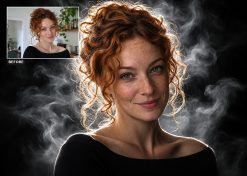
For silver hair, try Cool Silver against charcoal. For dark curls, try Amber with a soft edge and drifting smoke. Both keep the face clear.
Features of the Portrait Nocturne AI Artistry Prompt
- Works On Any Device, No Photoshop Needed: Use this prompt on your phone, tablet, or computer. Nothing to install, no software to update, no complex workflow to learn.
- Four Rim Light Colours: Neutral White, Cool Silver, Warm Champagne, and Amber.
- Four Studio Atmospheres: Backlit Smoke, Low Smoke, Rising Smoke, and Layered Smoke.
- Full Creative Control: Place the backlight, shape the shadows, or try one of three studio poses and four outfits. Pose and clothing can be changed independently.
- Three Finishing Touches: Add film grain, a gentle vignette, or fine fabric detail.
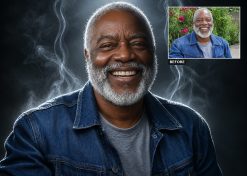
- Four Starting Looks: White Rim, Silver Studio, Champagne Glow, and Amber Crown recreate the looks in the sample images with one tap.
- Interactive Controls: Copy your completed prompt with one tap and adjust it from your My AI Prompts page.
Recommended for use with ChatGPT, Gemini, and Microsoft Copilot on their free tiers. Also compatible with other AI image platforms.
Related products
40%
33%
40%