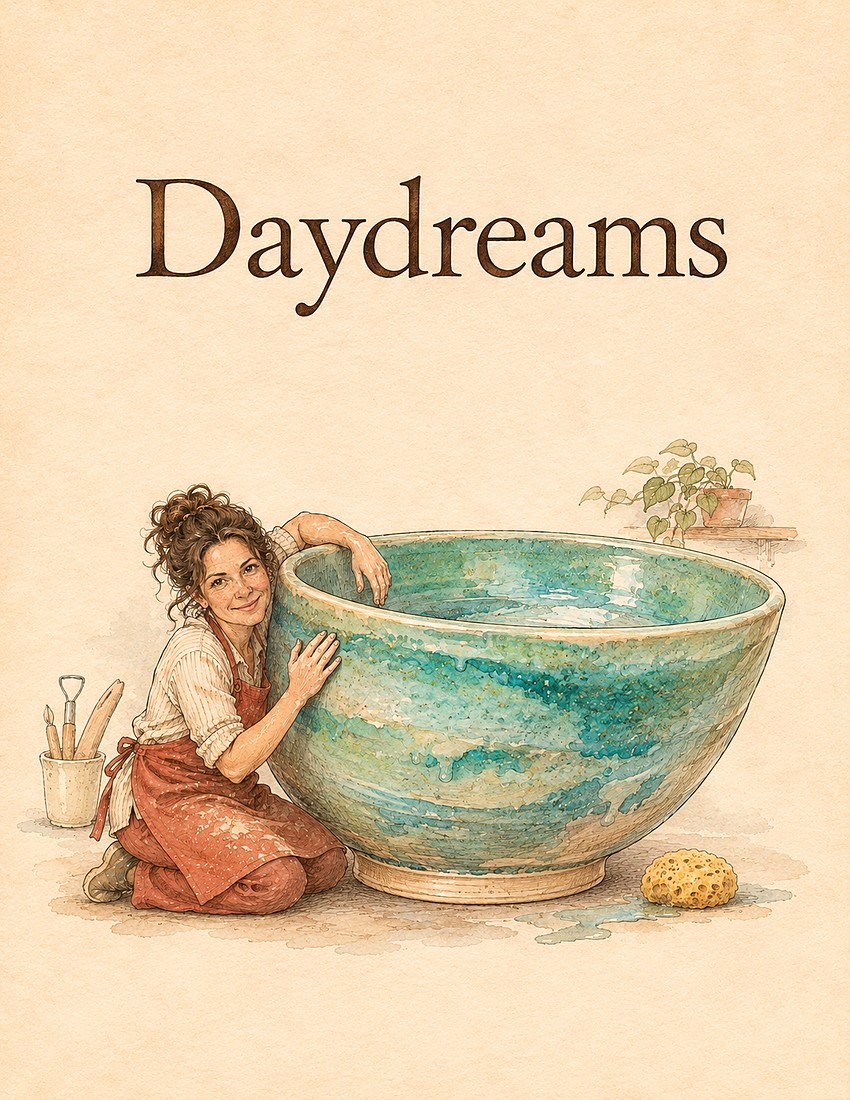

Daydreams
by Dave Seeram
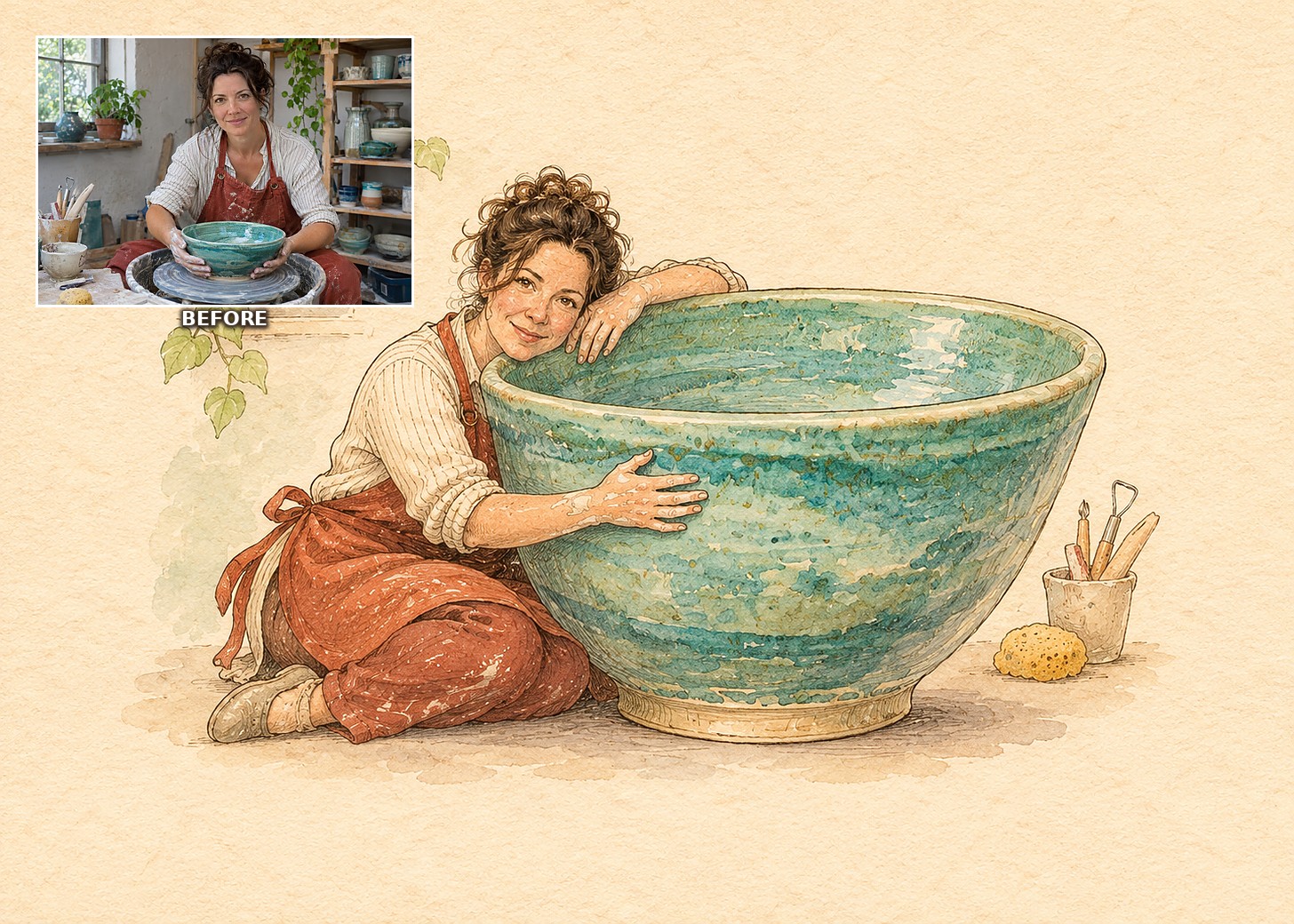
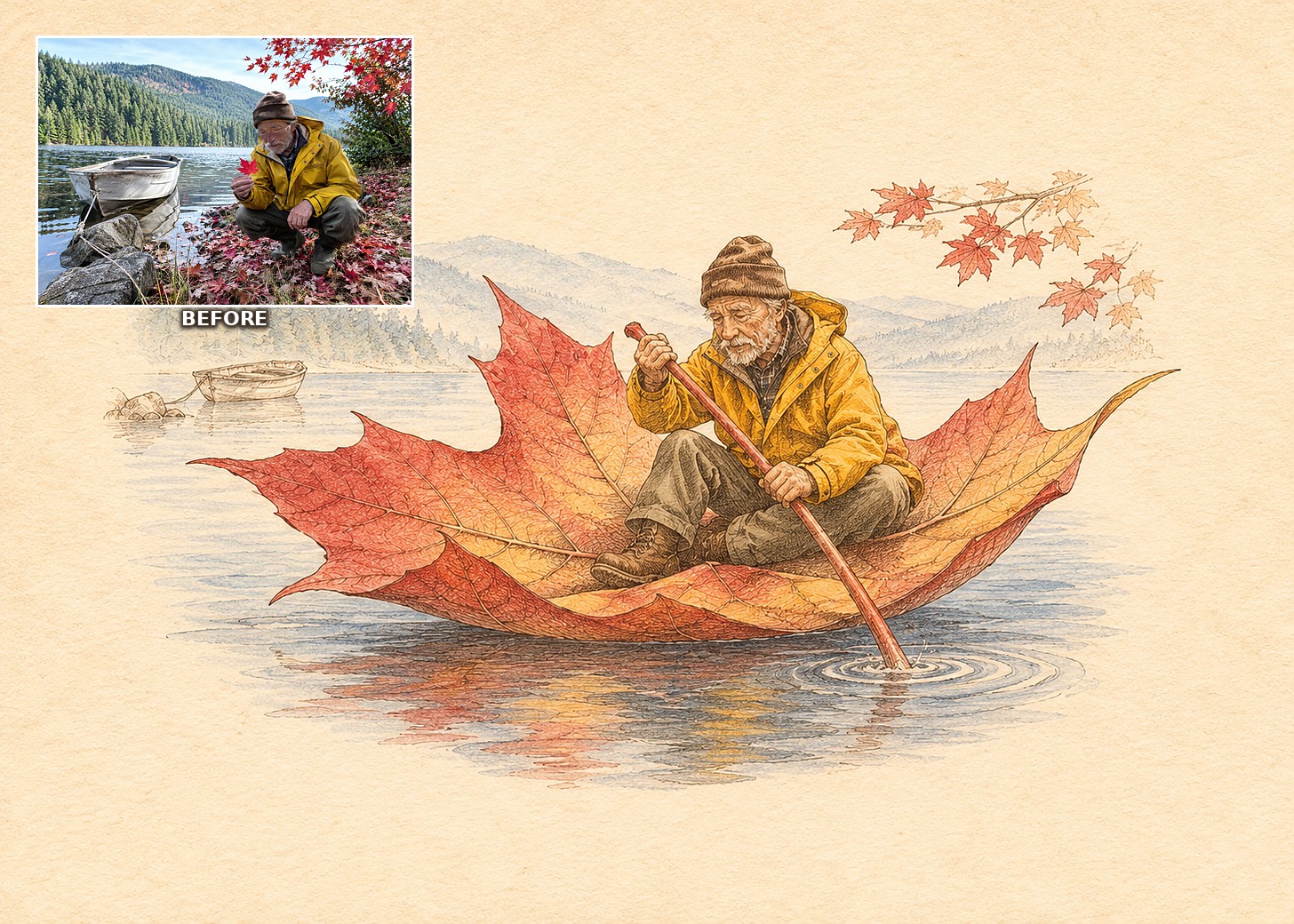
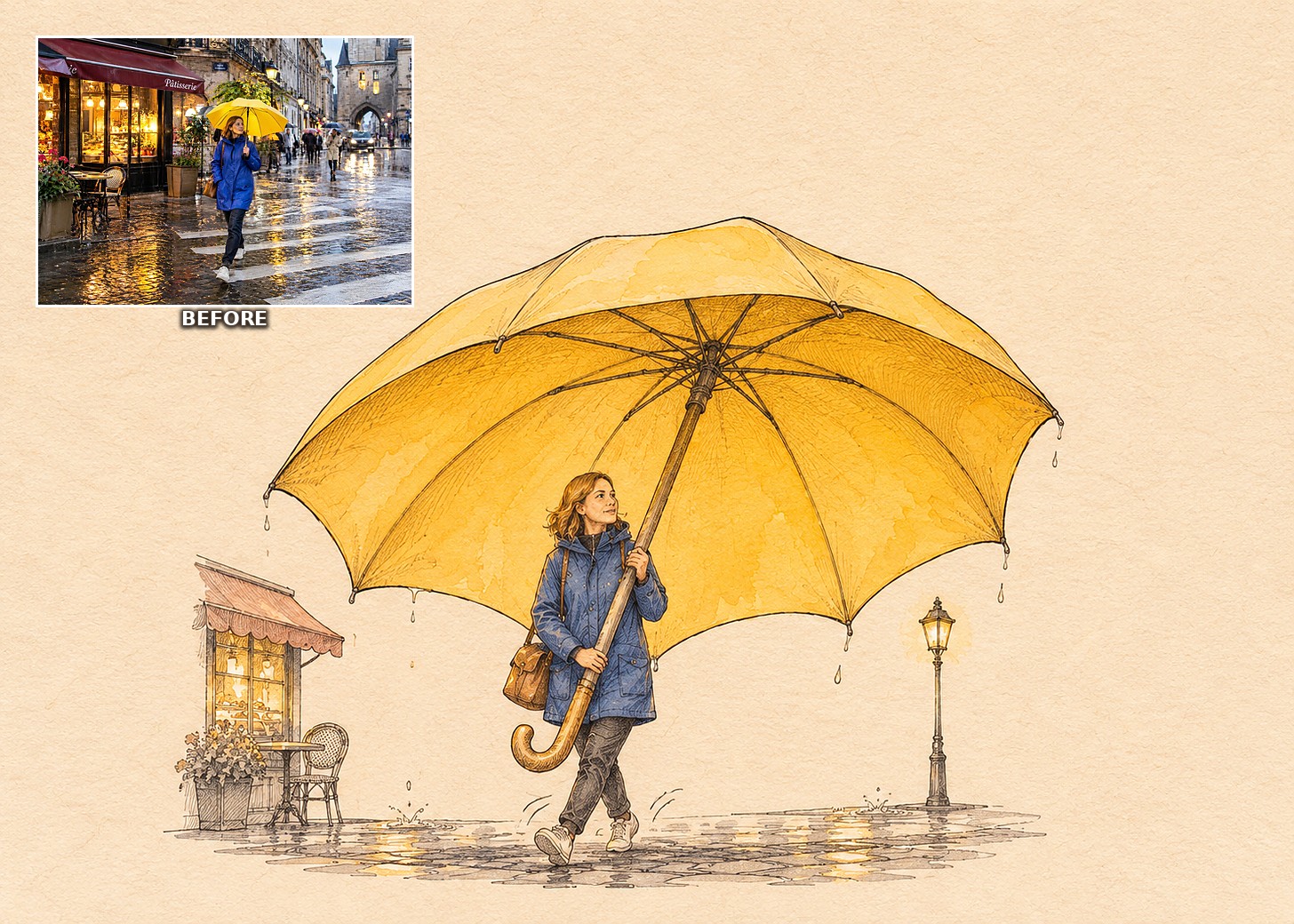
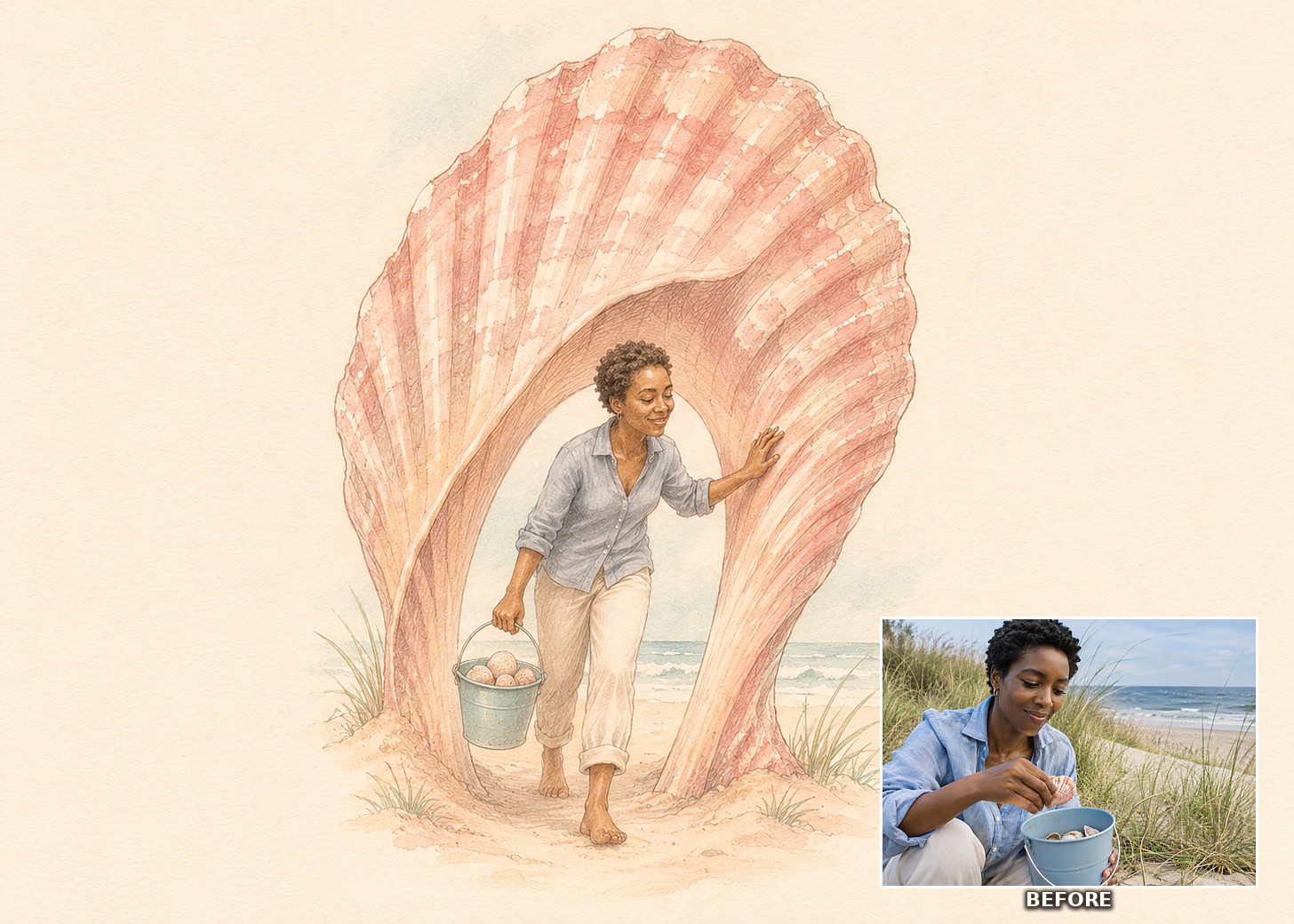
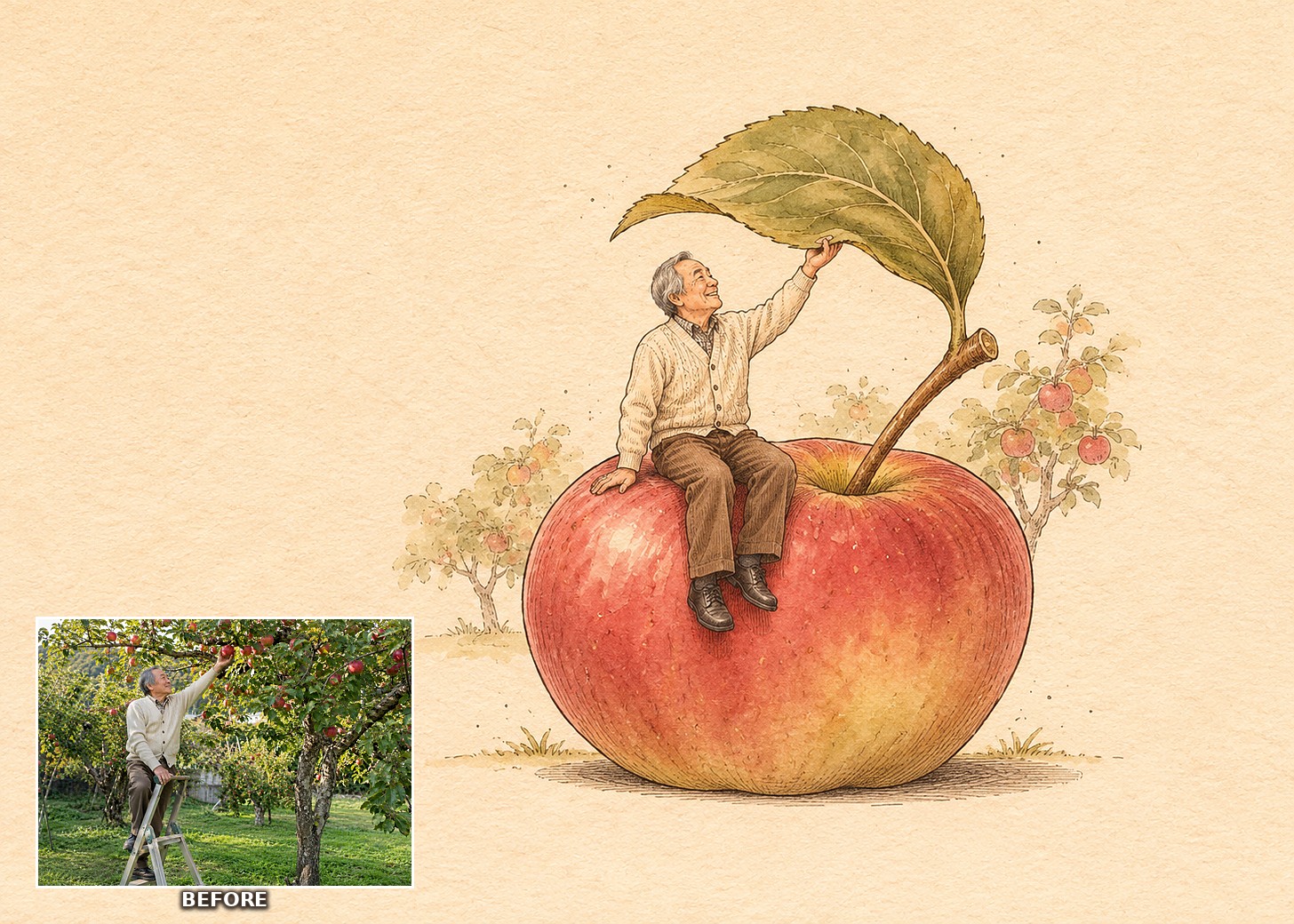
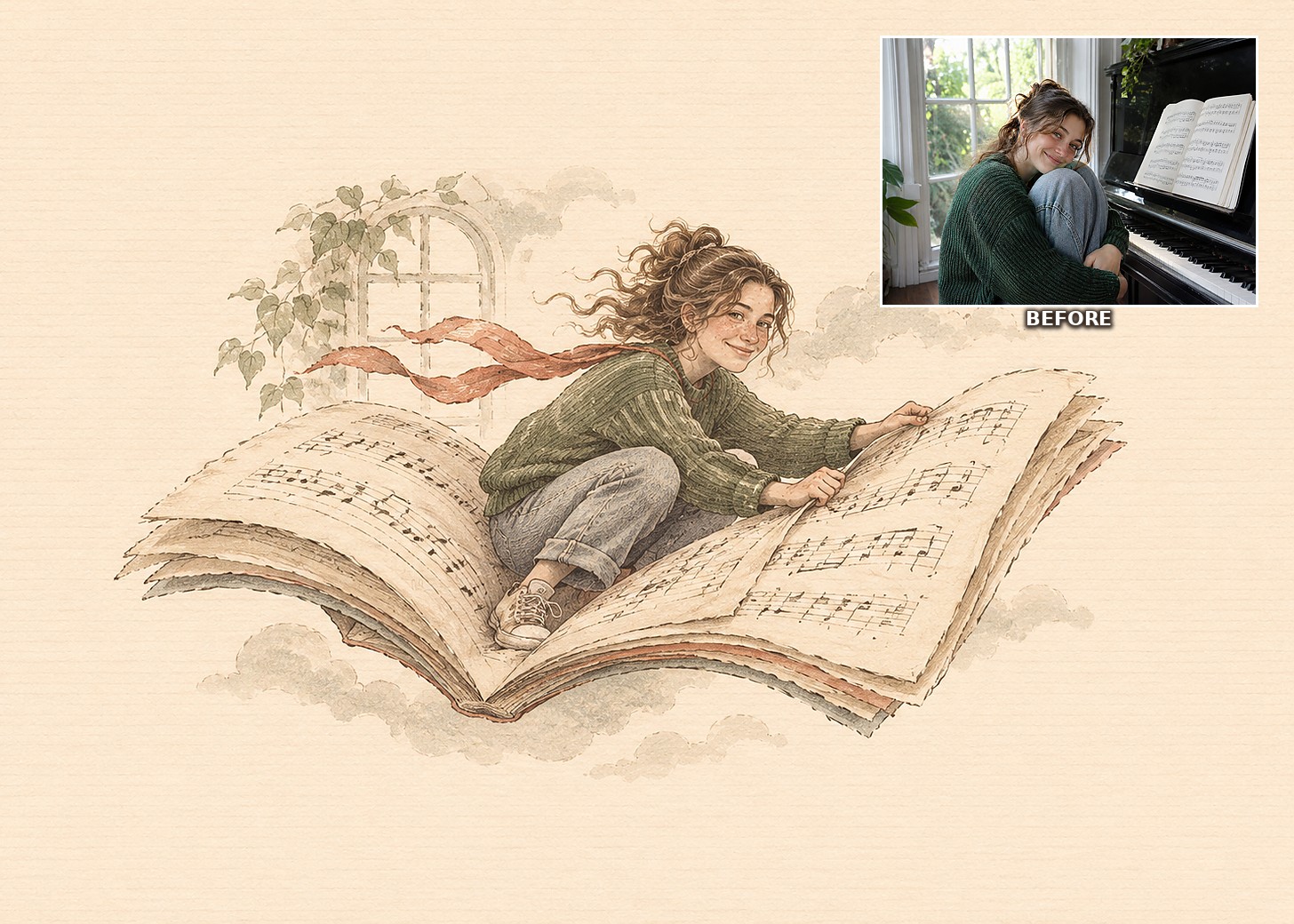
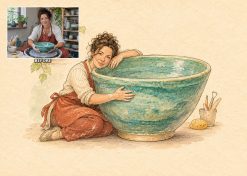
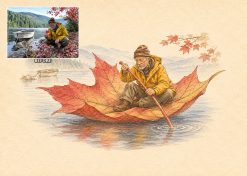
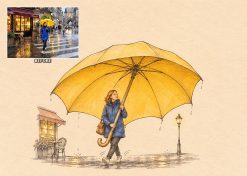
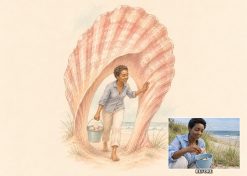
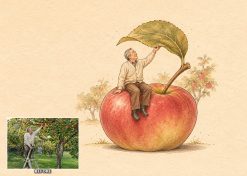
Daydreams turns your photo into a miniature illustration, with fine lines, soft colour washes, and one familiar detail redrawn at an unexpected scale. Choose from five Photo Details, five Scene Interactions, four Scale Contrast settings, four Drawing Styles, four Setting Detail settings, eight Colour Palettes, four Colour Placement settings, five Paper Finishes, five Open Paper layouts, and three Placement options.
The person, pet, or main subject stays recognisable, while the pose and composition can change to suit the new scene. Create personal prints, greeting cards, gifts, and social posts.
- Five Photo Details: Best Detail from the Photo, Object or Tool, Plant or Produce, Part of the Setting, and Light or Reflection.
- Five Scene Interactions: Follow the Photo, Sit or Stand On It, Hold or Carry It, Step Through or Into It, and Float or Travel on It.
- Full Creative Control: Set the scale, drawing marks, amount of scenery, colour palette and placement, paper finish, open space, and scene placement.
- Six Finishing Touches: Add soft shadows, motion lines, paper highlights, ink speckles, cut paper depth, or your own short caption.
Recommended for use with ChatGPT, Gemini, and Microsoft Copilot on their free tiers. Also compatible with other AI image platforms.
Daydreams turns your photo into a miniature illustration, with fine lines, soft colour washes, and one familiar detail redrawn at an unexpected scale.
Choose from five Photo Details, five Scene Interactions, four Scale Contrast settings, four Drawing Styles, four Setting Detail settings, eight Colour Palettes, four Colour Placement settings, five Paper Finishes, five Open Paper layouts, and three Placement options.
The person, pet, or main subject stays recognisable, while the pose and composition can change to suit the new scene. Create personal prints, greeting cards, gifts, and social posts.
Features of the Daydreams AI Artistry Prompt
- Works On Any Device, No Photoshop Needed: Use this prompt on your phone, tablet, or computer. Nothing to install, no software to update, no complex workflow to learn.
- Five Photo Details: Best Detail from the Photo, Object or Tool, Plant or Produce, Part of the Setting, and Light or Reflection.
- Five Scene Interactions: Follow the Photo, Sit or Stand On It, Hold or Carry It, Step Through or Into It, and Float or Travel on It.
- Full Creative Control: Set the scale, drawing marks, amount of scenery, colour palette and placement, paper finish, open space, and scene placement.
- Six Finishing Touches: Add soft shadows, motion lines, paper highlights, ink speckles, cut paper depth, or your own short caption.
- Six Starting Looks: Recreate the looks in the sample images with one tap.
- One Standalone Illustration: The prompt asks for a single finished artwork at the original photo dimensions. The before inset is for the store samples only.
- Interactive Controls: Copy your completed prompt with one tap and adjust it from your My AI Prompts page.
Daydreams is more than just a prompt. It is a creative tool for turning familiar photos into illustrated scenes with unexpected scale.
Recommended for use with ChatGPT, Gemini, and Microsoft Copilot on their free tiers. Also compatible with other AI image platforms.
Related products