Graphic Illustration
by Dave Seeram
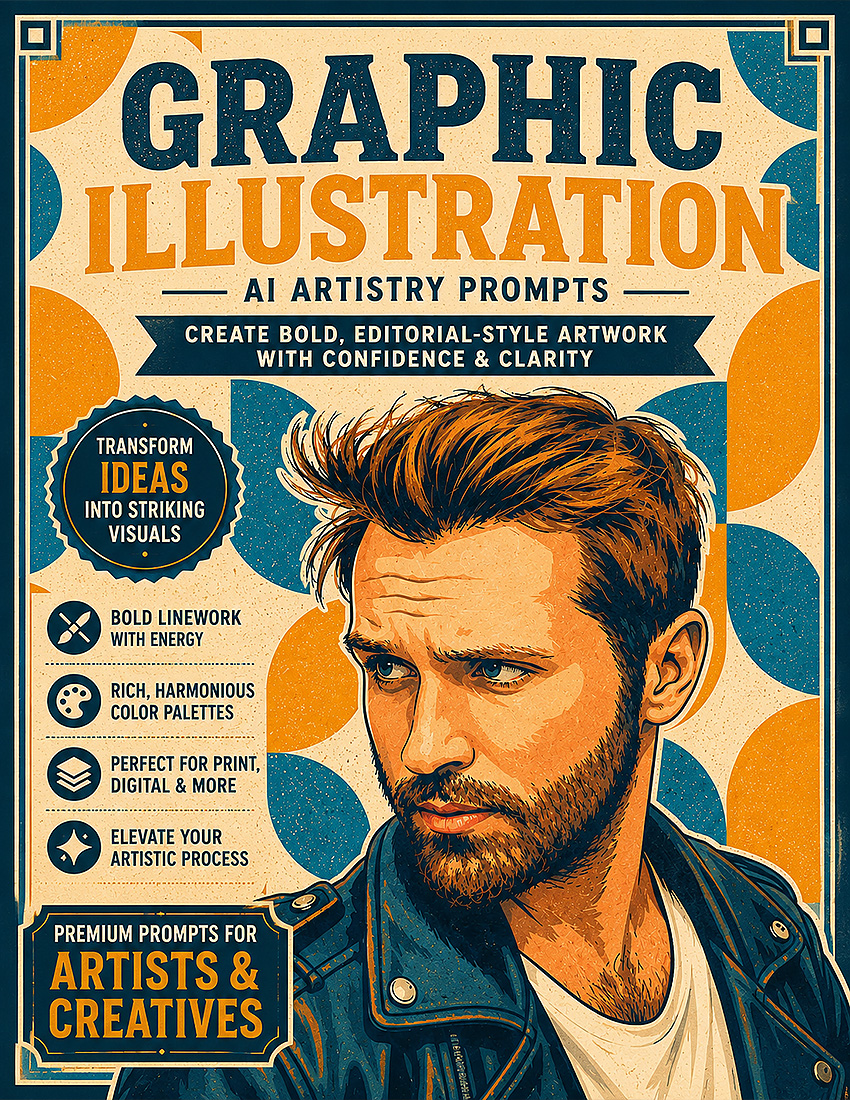
Graphic Illustration turns your photo into a crisp modern illustration built from confident linework and bold flat colour, with clean outlines and solid colour shapes. Choose from six line styles, four detail levels, five colour fills, five backgrounds, and six palettes to control the whole look.
The composition and subject placement stay true to your original photo while the surface becomes clean drawn illustration. Create bold modern artwork for art prints, posters, stickers, and editorial style decor.
- Six Line Styles: Clean Uniform, Bold Heavy, Tapered Brush, Fine Delicate, Rough Sketchy, or no outline at all.
- Four Detail Levels: Take the subject from richly detailed through to clean and minimal.
- Full Creative Control: Choose the colour fill, background, and palette to suit any room or mood.
- Six Finishing Touches: Add halftone dots, risograph grain, a hard drop shadow, flat highlights, a bold border, or accent marks.
Recommended for use with ChatGPT, Gemini, and Microsoft Copilot on their free tiers. Also compatible with other AI image platforms.
Frequently Bought Together
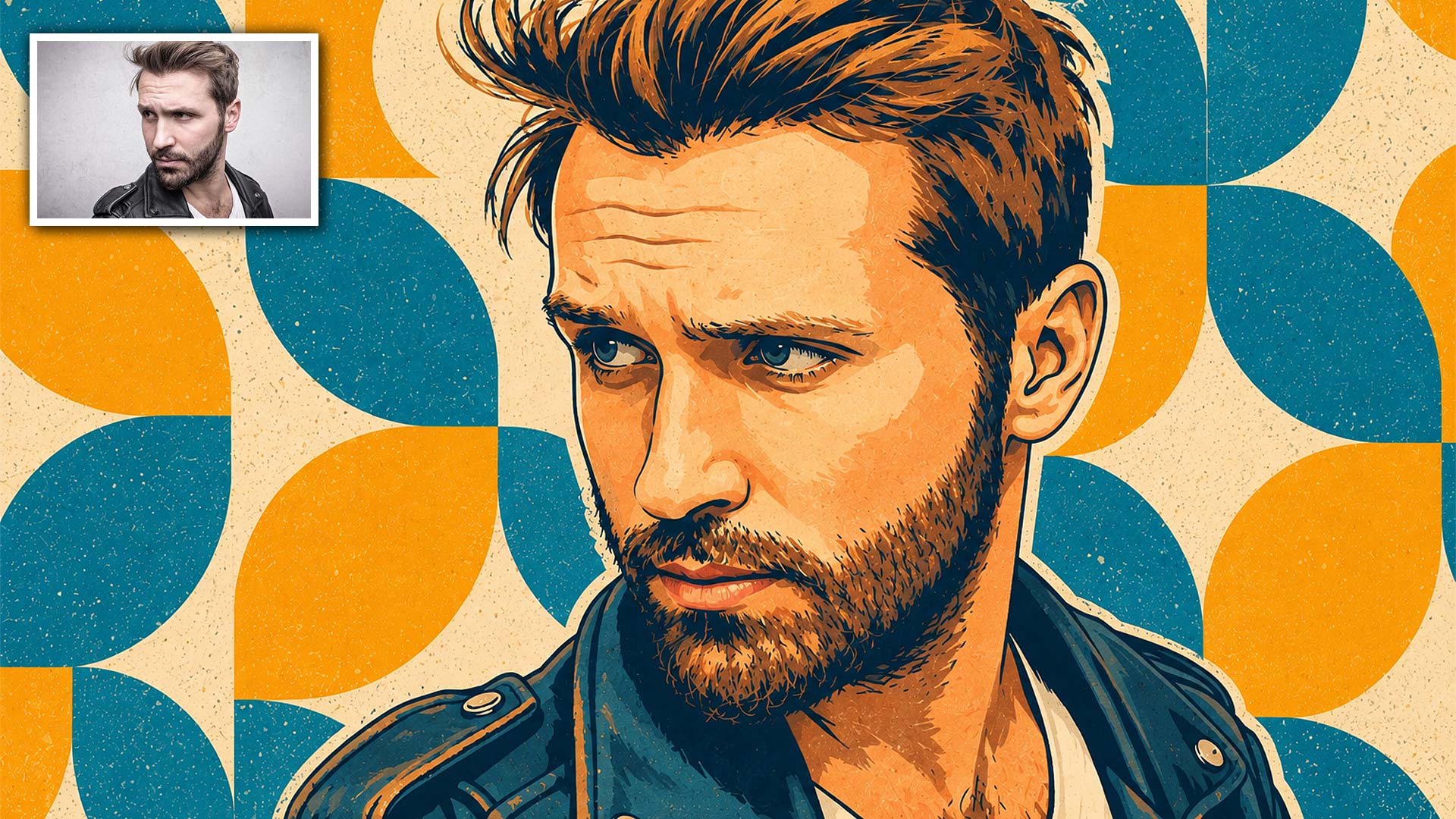
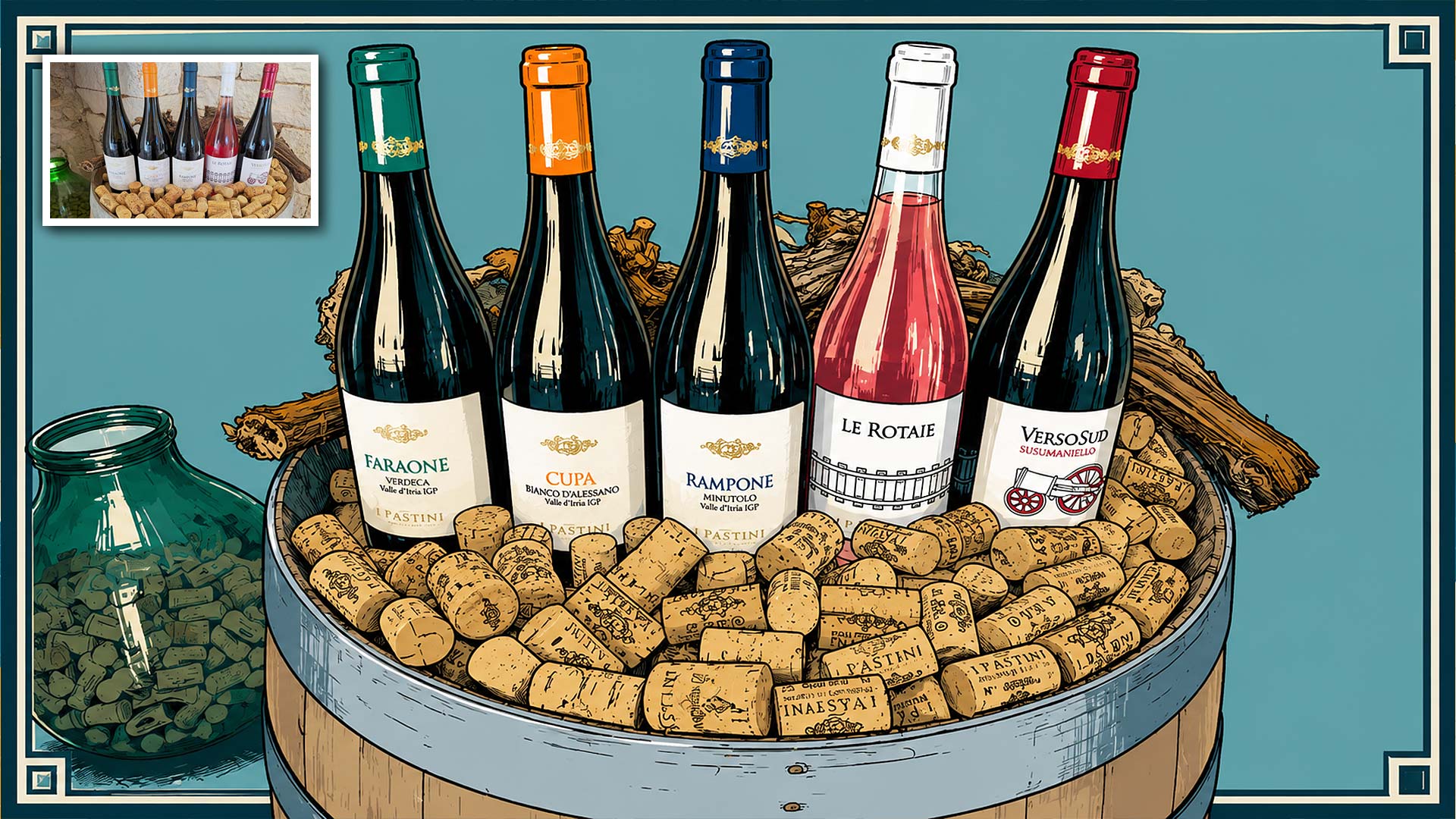
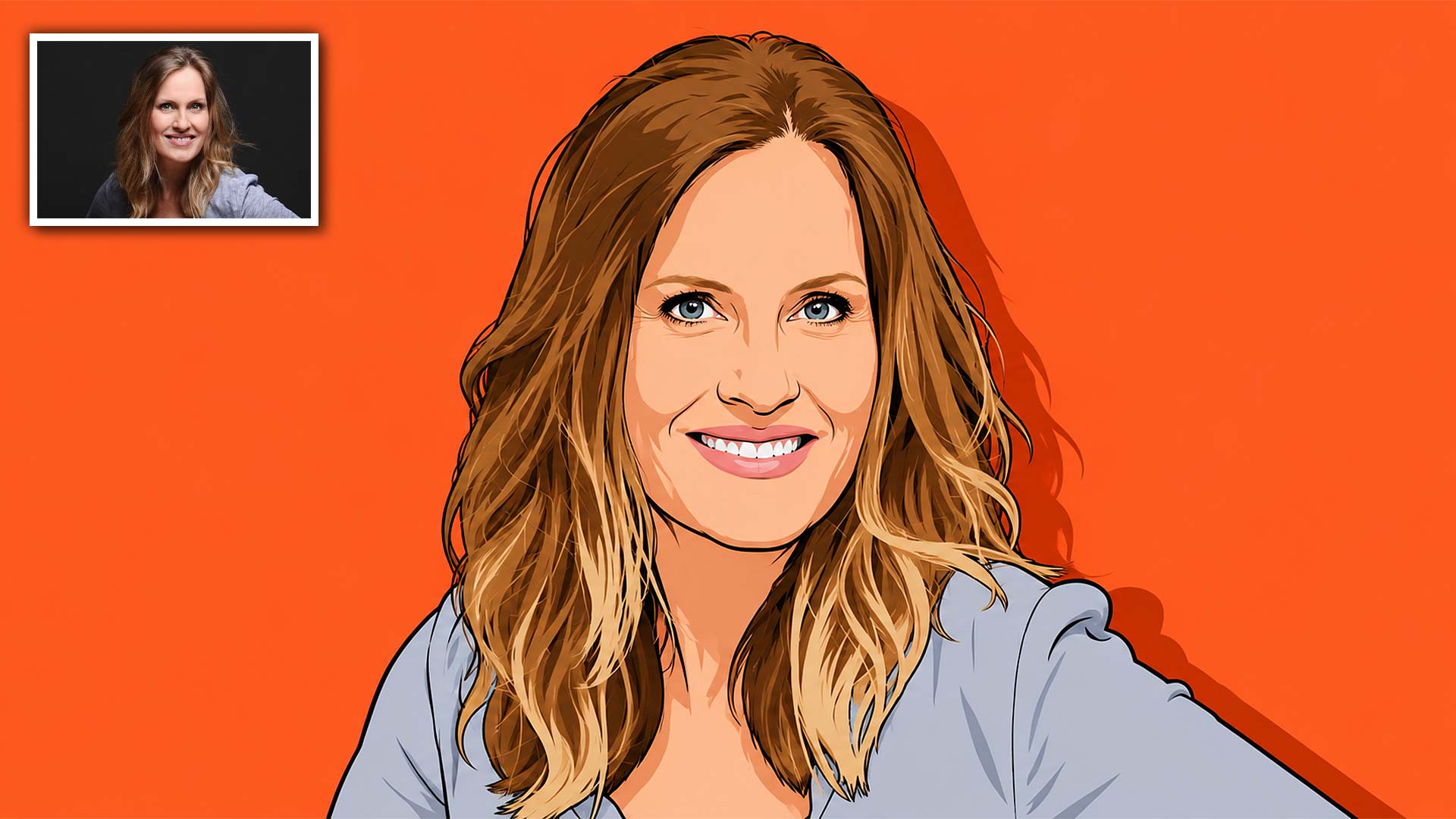
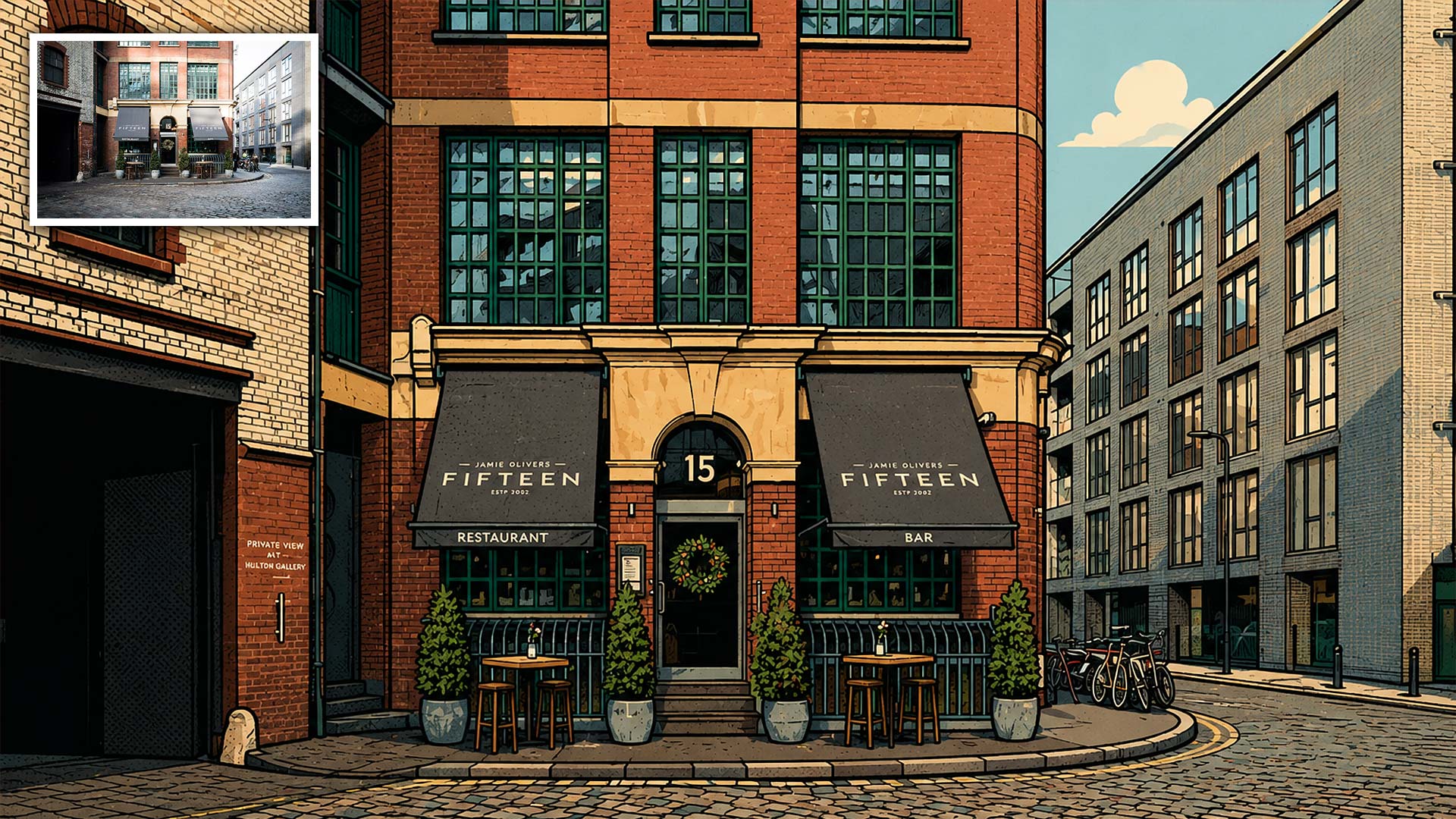
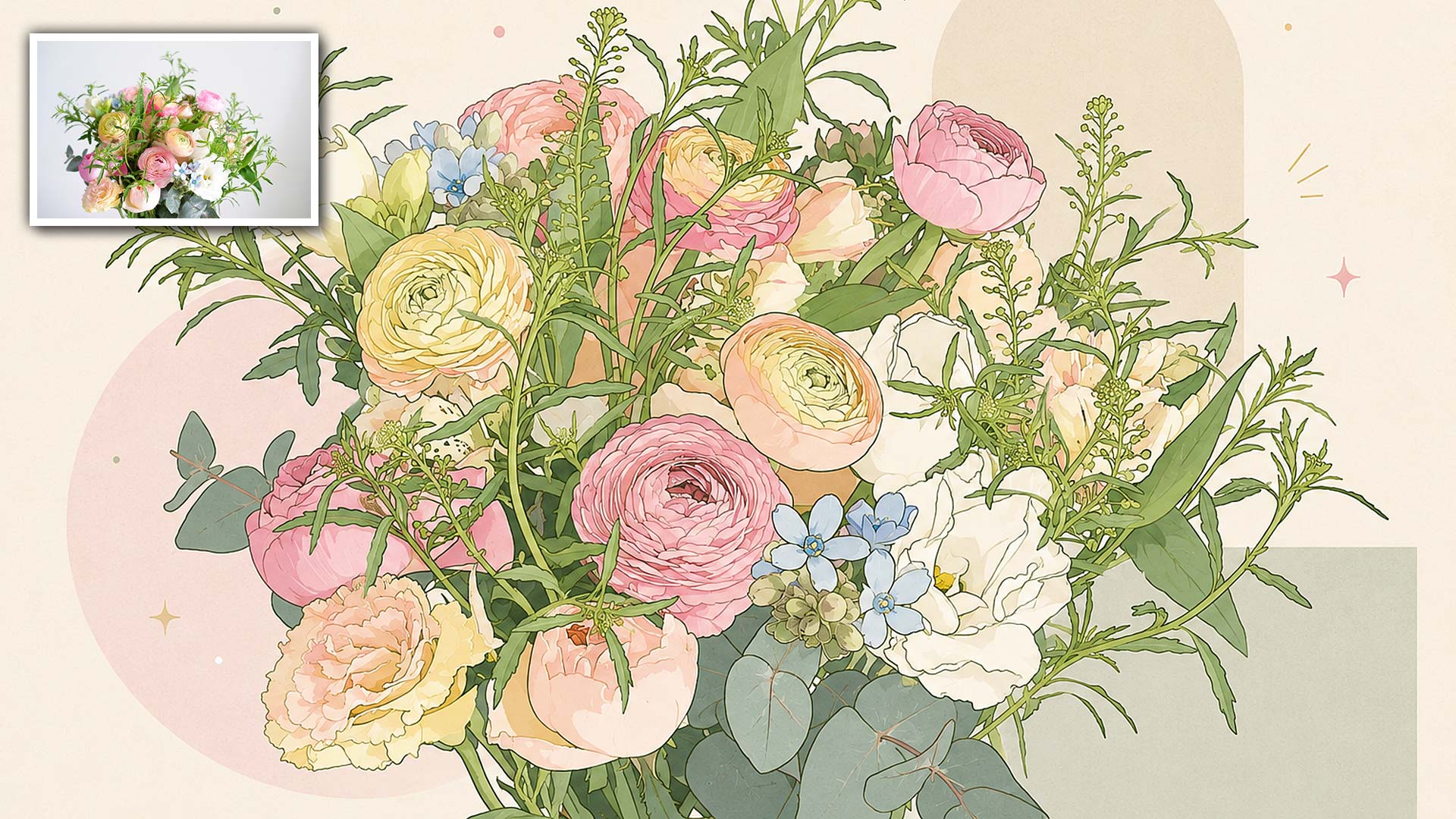
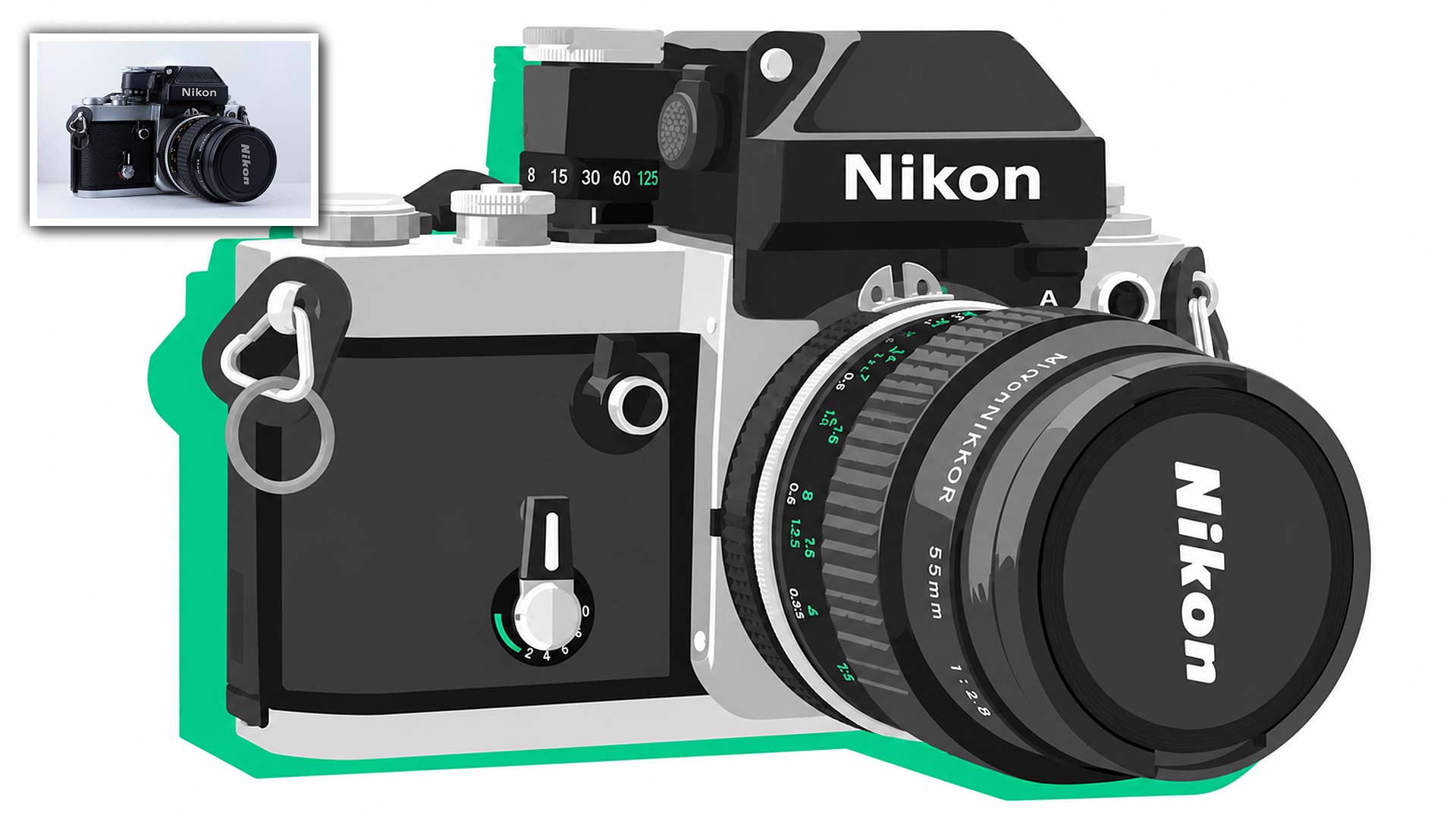
Graphic Illustration turns your photo into a crisp, modern piece built from confident linework and bold flat colour. Clean outlines, solid colour shapes, and a graphic editorial feel give every piece the polished look of contemporary illustration.
You decide how detailed it goes and the character of the line, from a fine delicate outline to a bold heavy one, or none at all. Then choose the colour fill, the background, the palette, and the finishing touches.
The composition and subject placement stay true to your original photo while the surface becomes clean drawn illustration. It works on portraits, pets, food, plants, and city scenes, and the results suit art prints, posters, stickers, and editorial style decor.
Features of the Graphic Illustration AI Artistry Prompt
- Works On Any Device, No Photoshop Needed: Use this prompt on your phone, tablet, or computer. Nothing to install, no software to update, no complex workflow to learn.
- 6 Line Styles: Clean Uniform, Bold Heavy, Tapered Brush, Fine Delicate, Rough Sketchy, or no outline at all.
- 4 Detail Levels: Take the subject from richly detailed through to clean and minimal.
- 5 Colour Fills: Perfectly Flat, Flat Cel Shading, Misregistered Print, Subtle Print Texture, and Two-Tone Blocks.
- 5 Backgrounds: A flat colour field, simple shapes, a bold pattern, open white space, or your original scene redrawn.
- 6 Colour Palettes: From bold bright and retro muted through to soft pastel and monochrome with a single accent.
- 6 Finishing Touches: Add halftone dots, risograph grain, a hard drop shadow, flat highlights, a bold border, or decorative accent marks.
- Works On Any Subject: People, pets, food, plants, and city scenes all transform beautifully.
- Interactive Controls: Copy your completed prompt with one tap and adjust it from your My AI Prompts page.
Graphic Illustration is more than just a prompt. It is a creative tool for turning an ordinary photo into a clean, bold, gallery ready piece of art.
Recommended for use with ChatGPT, Gemini, and Microsoft Copilot on their free tiers. Also compatible with other AI image platforms.
Related products
50%
33%
50%
33%