

20%
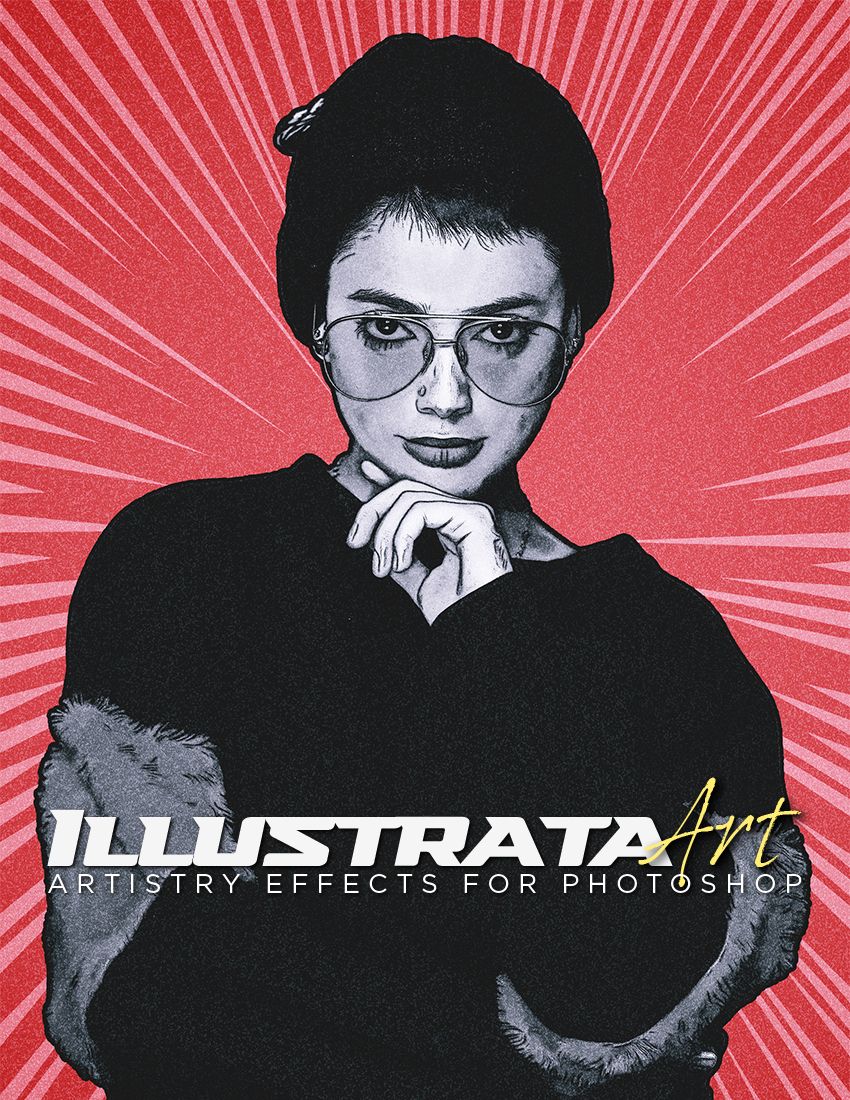
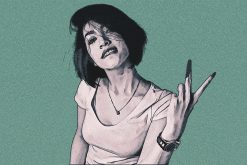

Illustrata Art Photoshop Effect
by Dave Seeram
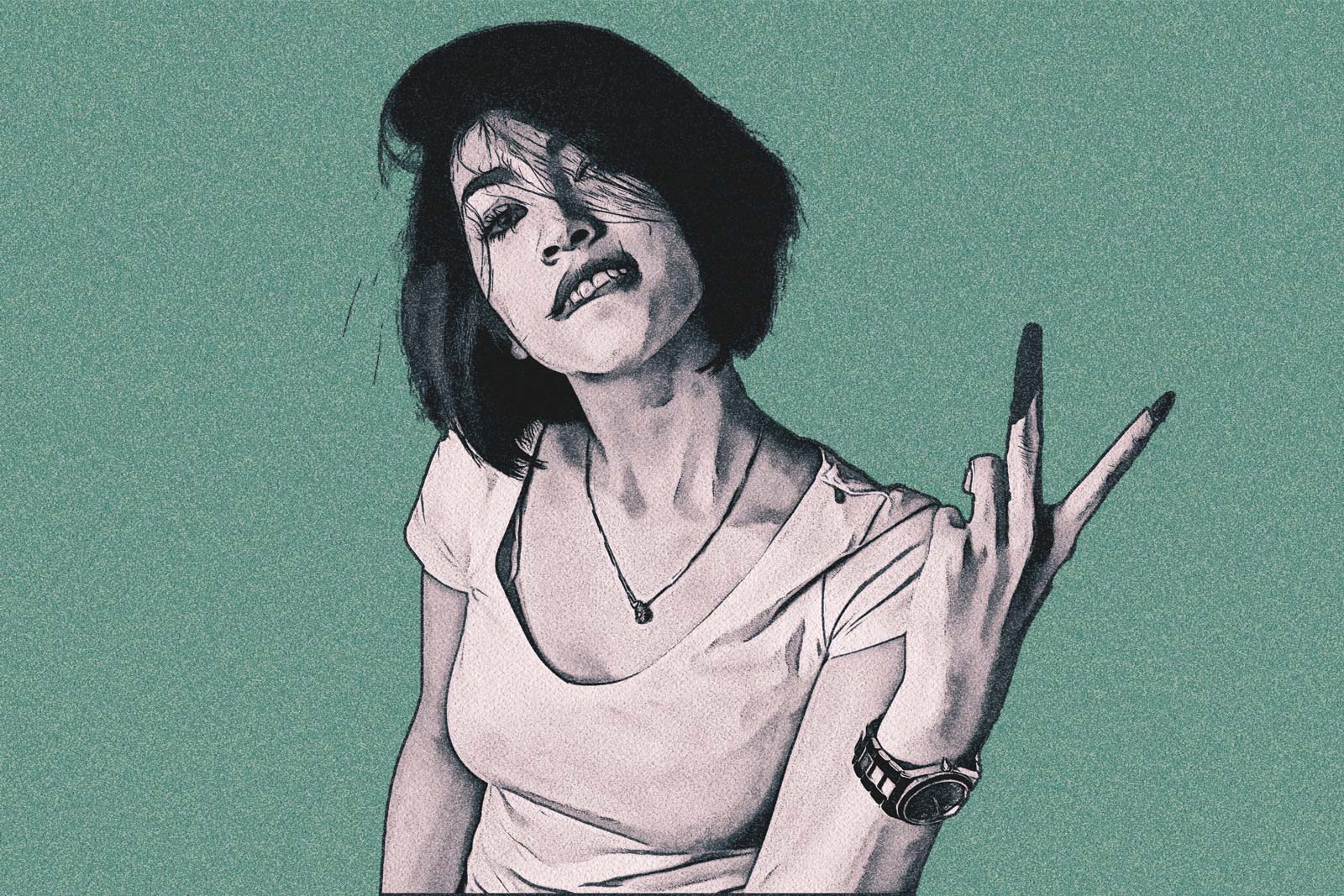
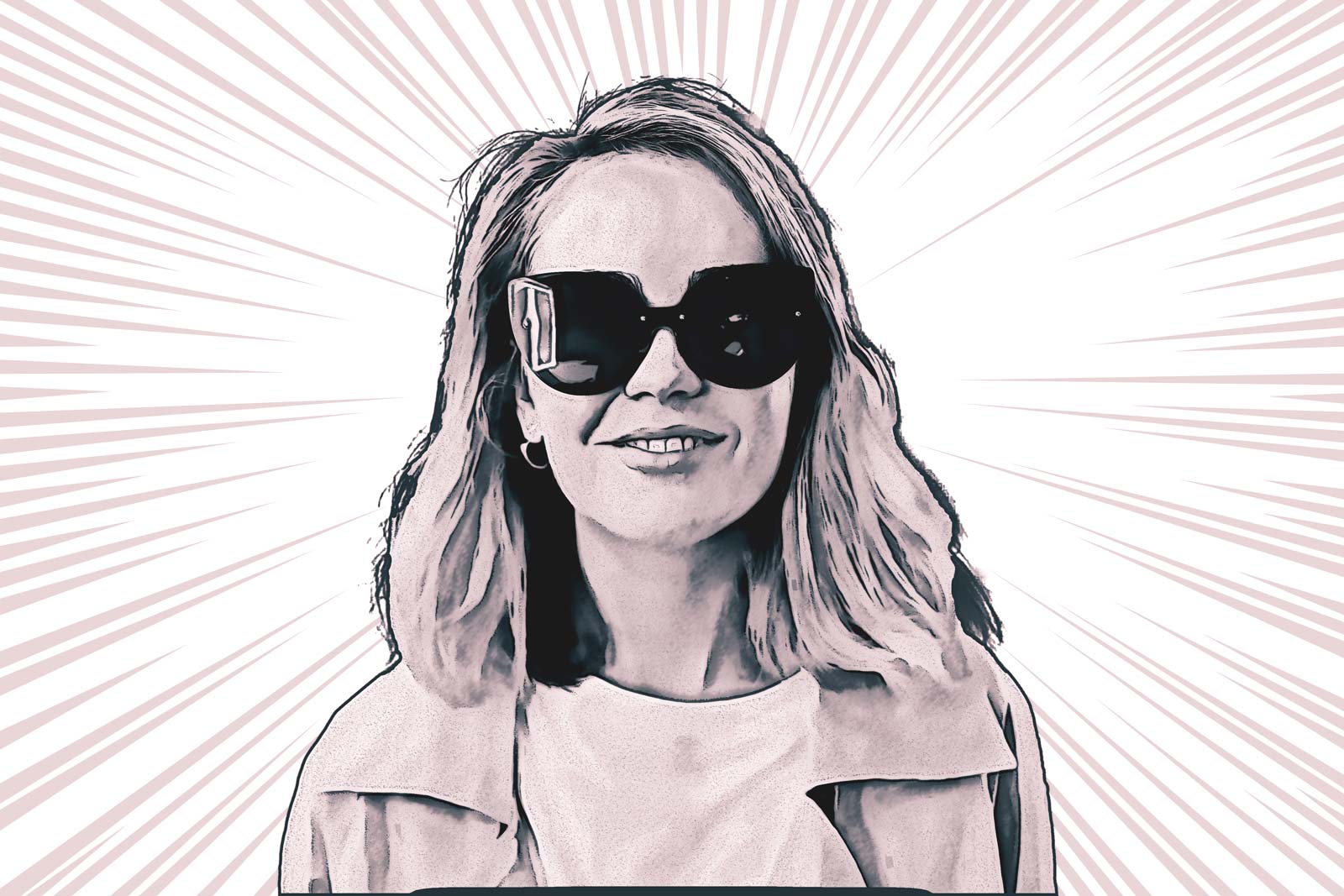
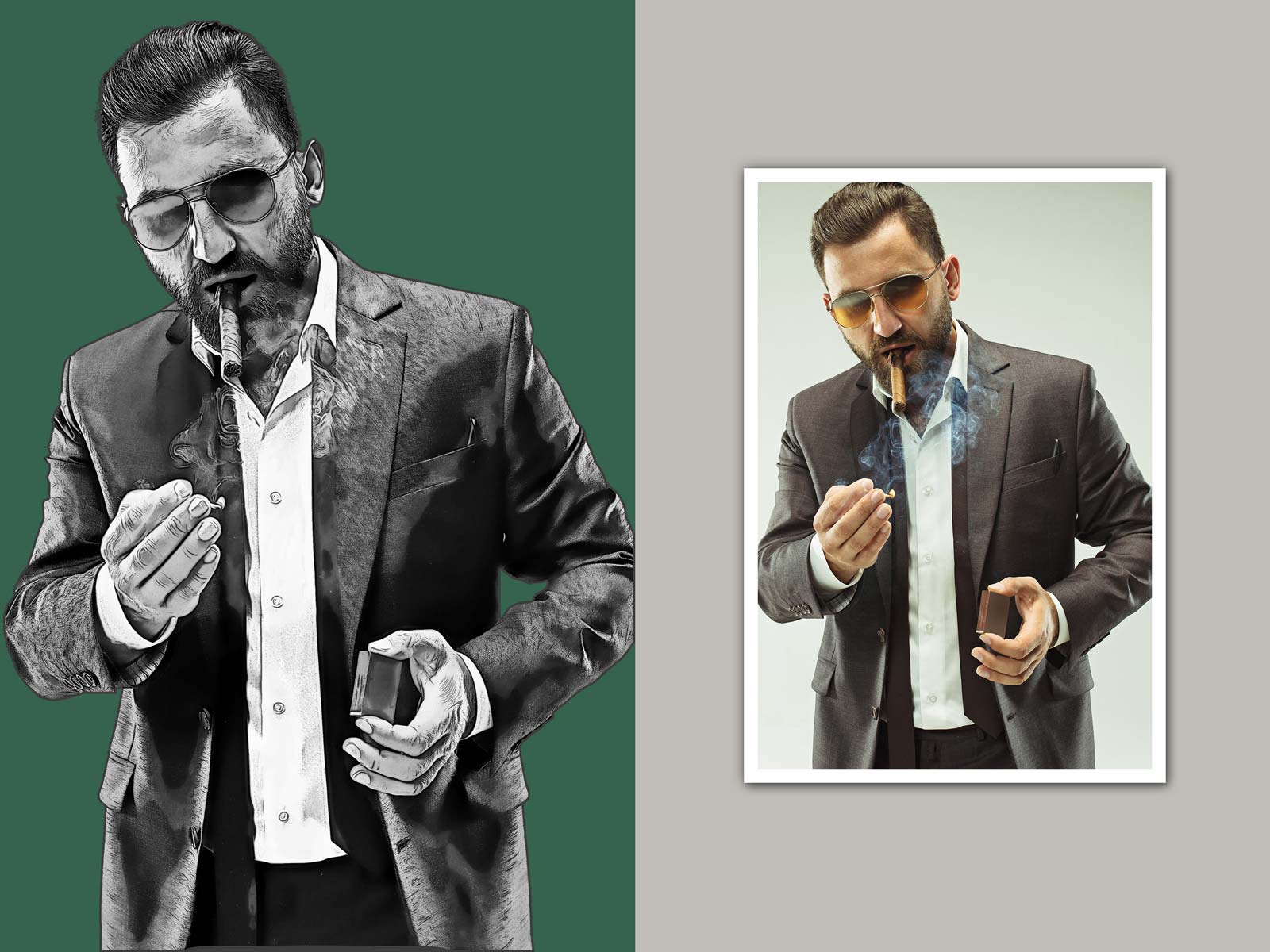
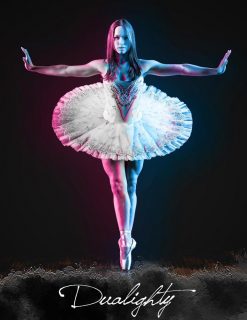
Illustrata Art turns photographs into bold illustrations filled with dramatic contrast, expressive ink detail, and striking artistic character. Inspired by modern graphic novel art, editorial illustration, and cinematic poster design, this effect creates artwork that feels stylized, refined, and visually powerful.
Whether you are working with portraits, fashion photography, musicians, street scenes, or existing digital artwork, Illustrata Art gives your images a clean illustrated aesthetic with rich tonal depth and bold visual impact in seconds. Designed to be flexible, expressive, and easy to use while maintaining a clean professional workflow.
Features of the Illustrata Art Photoshop Effect
- 2 Template Orientations: Landscape and portrait templates for a wide variety of compositions.
- Graphic Illustration Styling: Inspired by graphic novels, poster art, and contemporary editorial illustration.
- Advanced Color Controls: Optional controls to adjust the background, main subject, and tonal atmosphere.
- Designed for Photos and Artwork: Create bold new artistic interpretations.
- Clean Professional Workflow: No actions, brushes, or complicated installations required.
Illustrata Art is more than just an effect. It is a creative tool for producing artwork that feels graphic, cinematic, expressive, and unmistakably artistic.
Compatible with Photoshop CS6 through CC (current release) *Oil Paint Filter Requires
Frequently Bought Together
Illustrata Art turns photographs into bold illustrations filled with dramatic contrast, expressive ink detail, and striking artistic character. Inspired by modern graphic novel art, editorial illustration, and cinematic poster design, this effect creates artwork that feels stylized, refined, and visually powerful.
Whether you are working with portraits, fashion photography, musicians, street scenes, or existing digital artwork, Illustrata Art gives your images a clean illustrated aesthetic with rich tonal depth and bold visual impact in seconds. Designed to be flexible, expressive, and easy to use while maintaining a clean professional workflow.
Features of the Illustrata Art Photoshop Effect
- 2 Template Orientations: Landscape and portrait templates provide the perfect starting point for a wide variety of compositions.
- Graphic Illustration Styling: Inspired by graphic novels, poster art, and contemporary editorial illustration.
- Advanced Color Controls: Optional controls allow you to independently adjust the background, main subject, and overall tonal atmosphere.
- Designed for Photos and Artwork: Works beautifully on photographs and existing digital artwork to create bold new artistic interpretations.
- Clean Professional Workflow: No actions, brushes, or complicated installations required. Everything is contained within an organized Photoshop template.
Illustrata Art is more than just an effect. It is a creative tool for producing artwork that feels graphic, cinematic, expressive, and unmistakably artistic.
Compatible with Photoshop CS6 through CC (current release) *Oil Paint Filter Requires
ILLUSTRATA - VIDEO DEMO COMING SOON
ILLUSTRATA ART - SAMPLE IMAGES
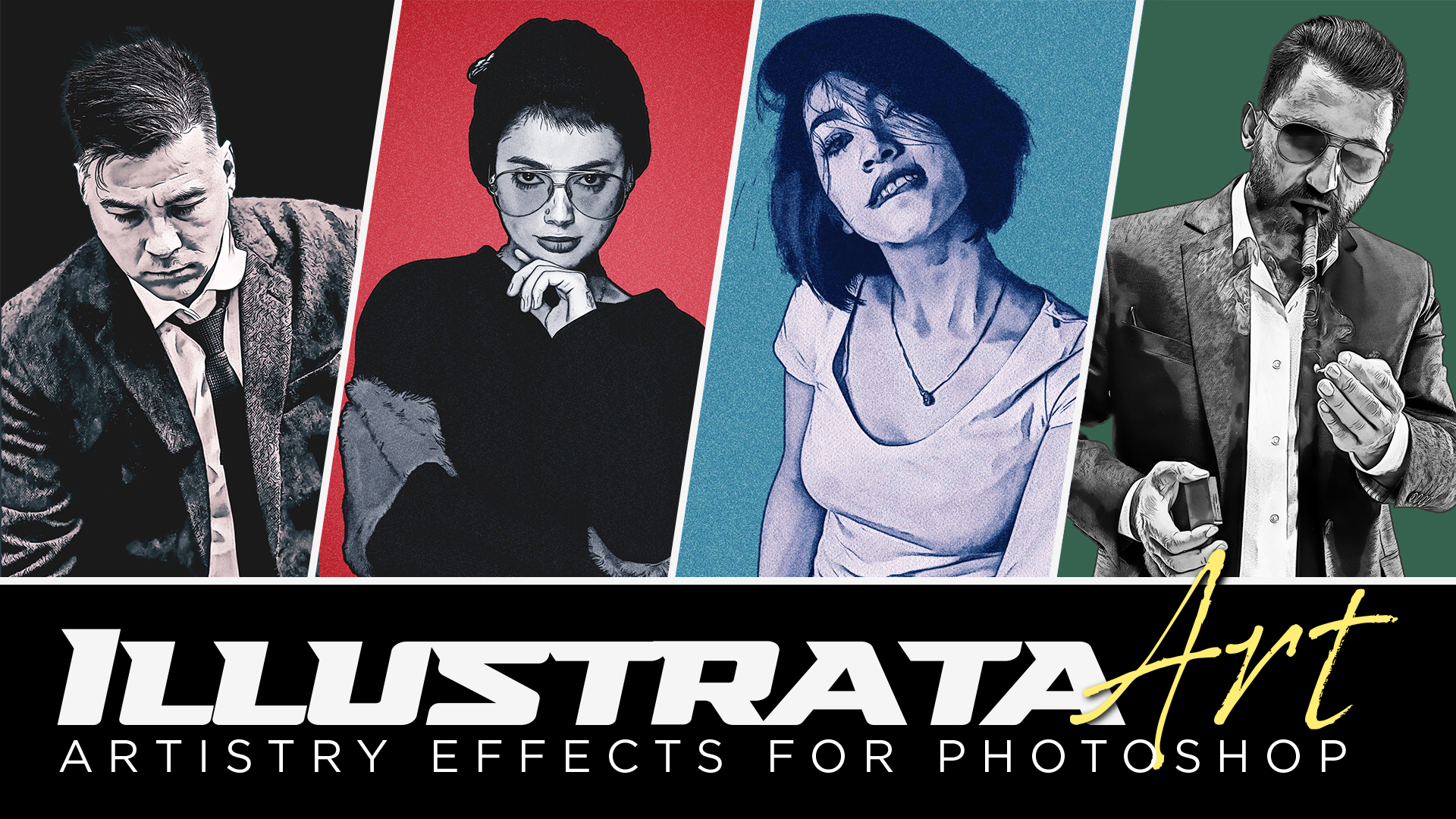
Tell a Story With Your Artwork

Easily Change Colors and Mood
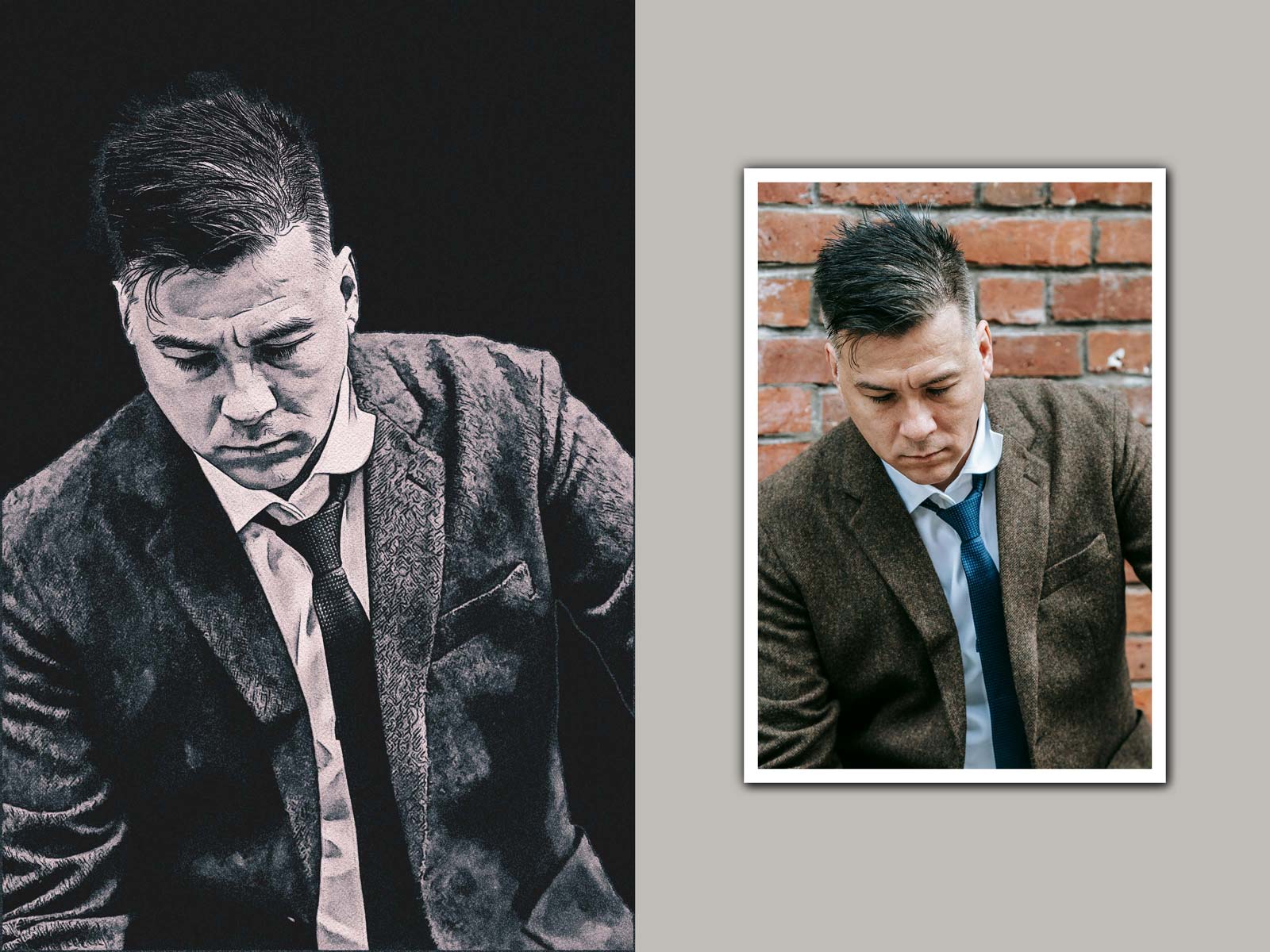
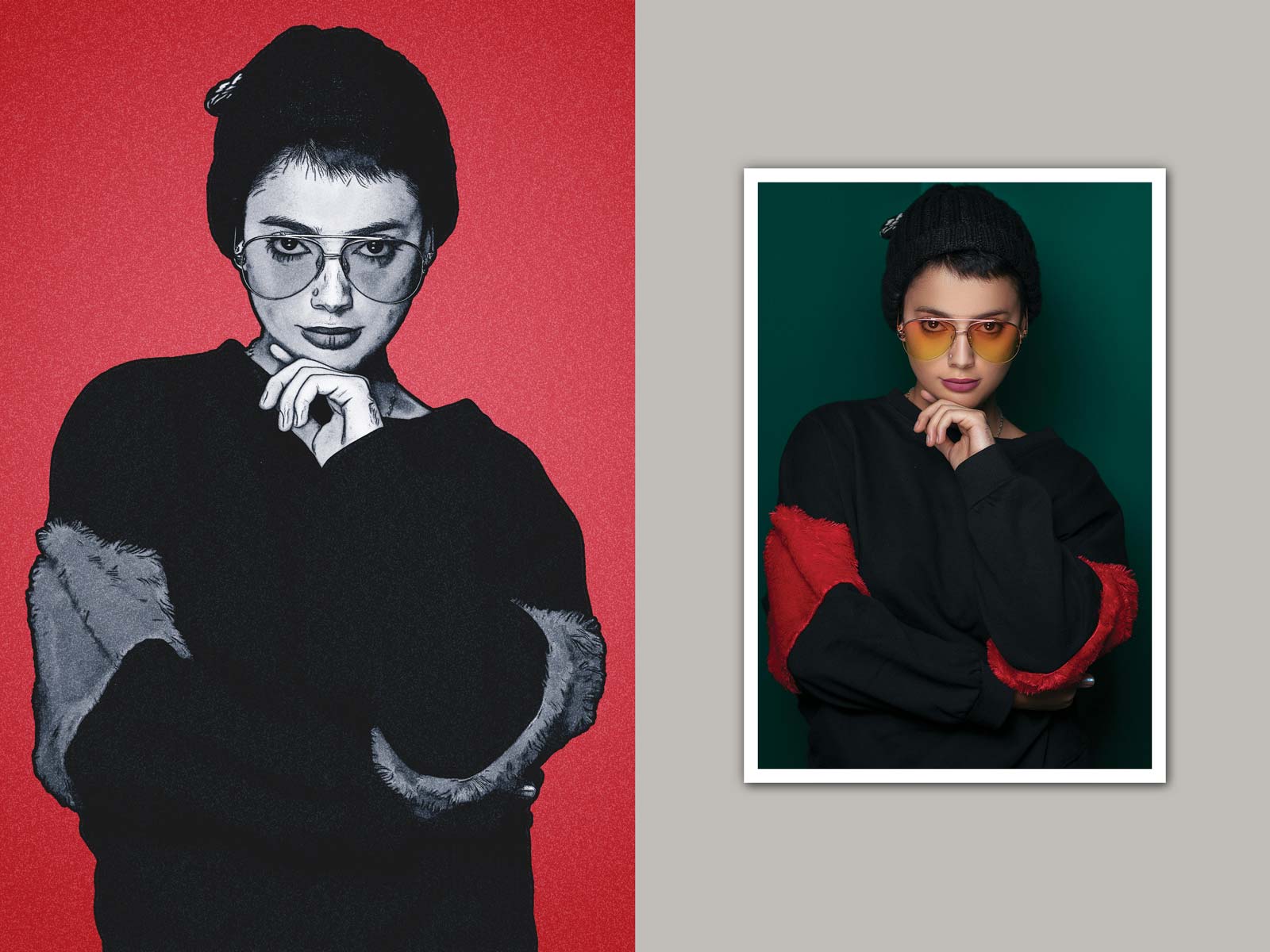
A Beautifully Nostalgic Oil Paint Effect
Compatibility:
- Photoshop CC
- Photoshop CS6 *Oil Paint Filter required
Included Files:
- Illustrata Art LANDSCAPE Template (.psd)
- Illustrata Art PORTRAIT Template (.psd)
- User Guide with Video Tutorial
Only logged in customers who have purchased this product may leave a review.
Related products
24%
Reviews
There are no reviews yet.